
Together with an error message, Deep CDR module also returns forensic info to describe what happened during the process in the case file was successfully sanitized.
To enable this feature, please check "Include Sanitization Details" and "Include Processed Objects" option in Workflow Deep CDR Setting.
To include the base64 object, please check "Include Binary Objects".
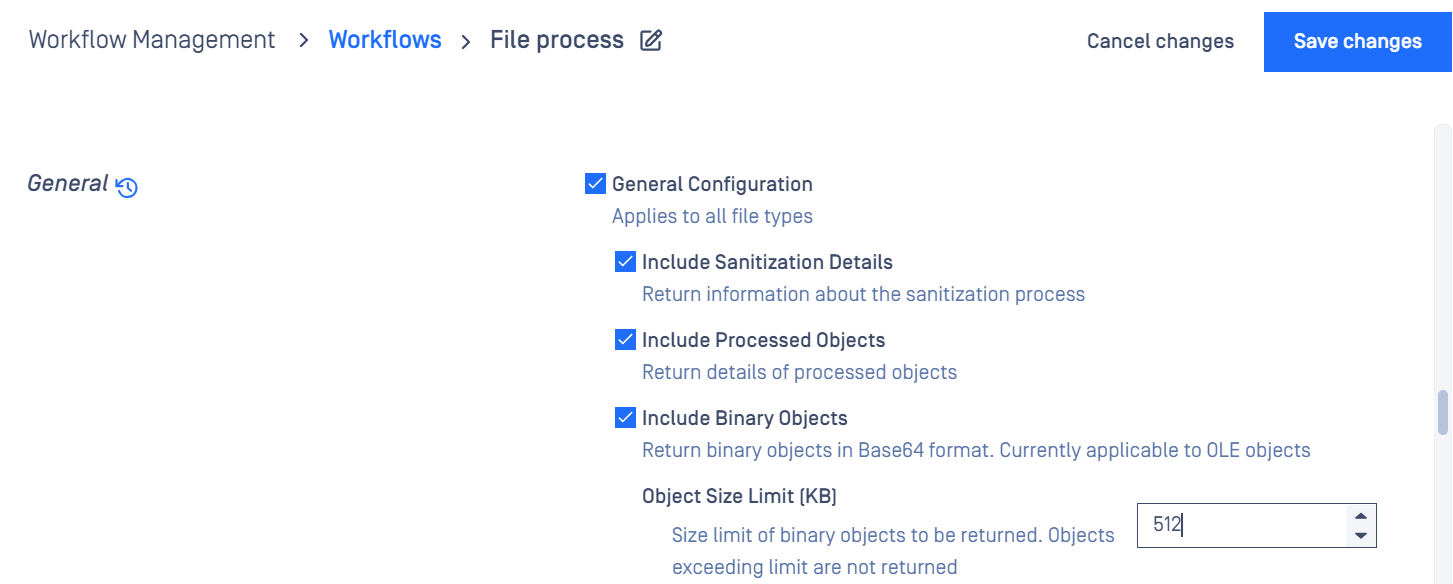
The length of object details is limited to 5000 characters. If it exceeds the limit, it will be truncated.
Sanitization details info is optional, not avaialble in all file types
Possible action_ran values for Deep CDR | Description |
|---|---|
Sanitized | File is sanitized successfully. |
Sanitized Partially | Only applicable to the archive file sanitization, some children files are failed to sanitize. |
Sanitization Skipped | File is skipped because of the configurations. |
Sanitization Timeout | Santization process is timeout |