
Users with administrator privilege on MetaDefender Core are allowed to setup email configurations for SMTP in order to enable password recovery feature (please check Password Recovery).
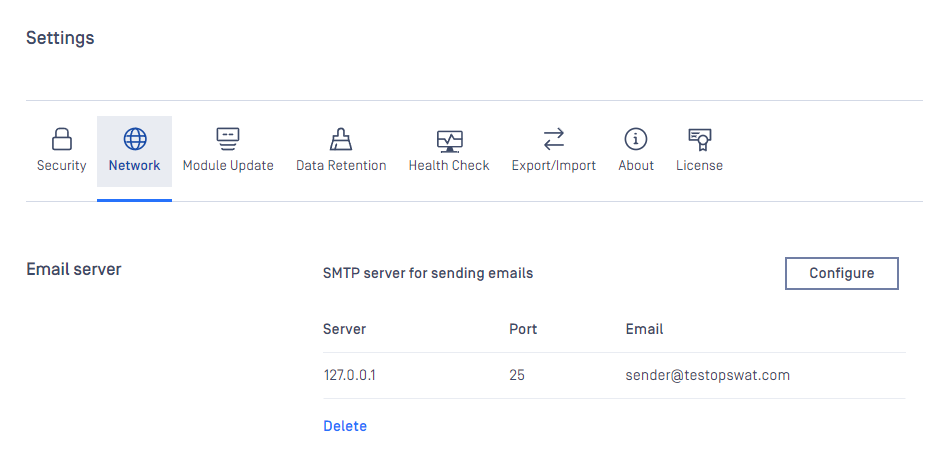
Server configuration
Properties | Description | Option |
|---|---|---|
SERVER HOST | SMTP server host | IP address / Domain all accepted |
SERVER PORT | SMTP server port | Some default common ports:
|
CONNECTION TYPE | Specify type of connection between MetaDefender Core and SMTP server |
|
AUTH METHOD | Specify the authorization protocol connecting to SMTP server |
|
User authentication
Properties | Description |
|---|---|
Email address | |
USERNAME | Username for SMTP authentication (No required if AUTH METHOD = NONE) |
PASSWORD | Password for SMTP authentication (No required if AUTH METHOD = NONE) |
Please make sure to hit "SAVE SETTINGS" button once configuration is done.
Otherwise "CLEAR SETTINGS" button once hit will clear up all mail settings on the page.