
MetaDefender Core current configuration can be exported or a new one can be imported under the Settings > Export/Import page.
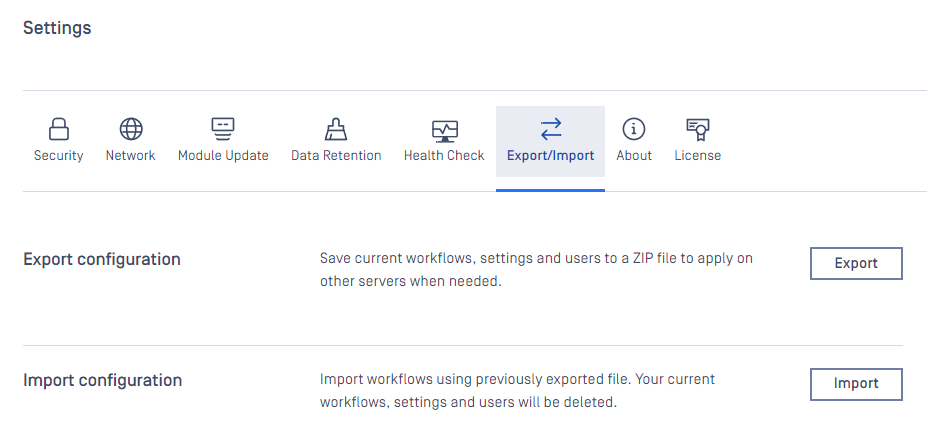
Export
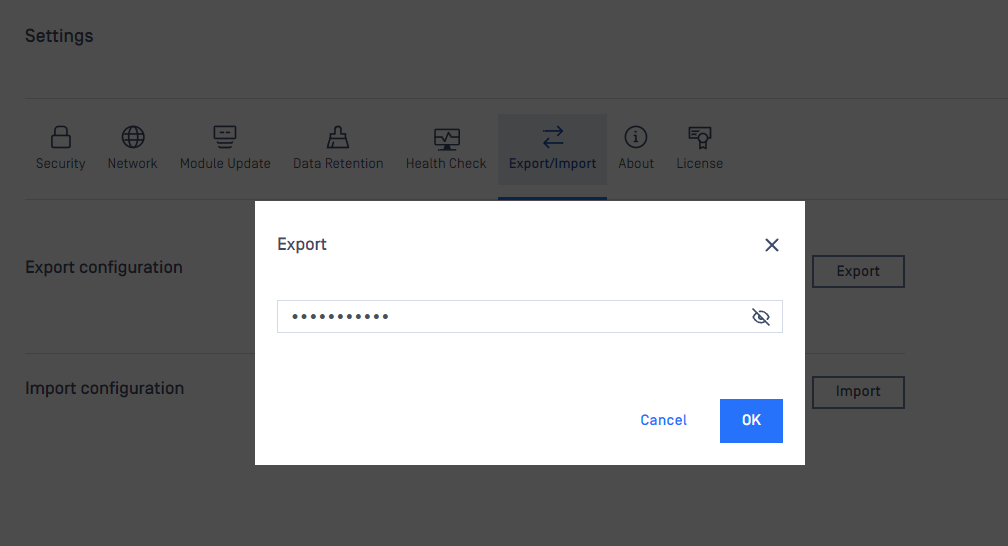
Click the export button to set the password to encrypt the archive package for exported configurations.This package will contain the whole configurations.
Why password is required?
The exported archive package must be set with a password to encrypt because it might contain sensitive data including user information.
REST API for configuration export
Import
Choose the exported package and also input proper password to import.
JSON config file import supported
Besides package import support, you can also import JSON config file like in MetaDefender Core v4.
JSON config file is only for MetaDefender Core workflow settings.
After the successful import, the new configurations will replace the current one.
REST API for configuration import
Was this page helpful?
Operating