Reputation Engine processing is disabled by default in the Workflow Management.
Users will need to enable it first during the Workflow Configuration.
Integration mode of Reputation Engine:
Inline: working as a part of MetaDefender Core processing workflow (real-time processing). Allowing users to block entire processing based on the outcome and decision of the Reputation Engine.
Global configuration
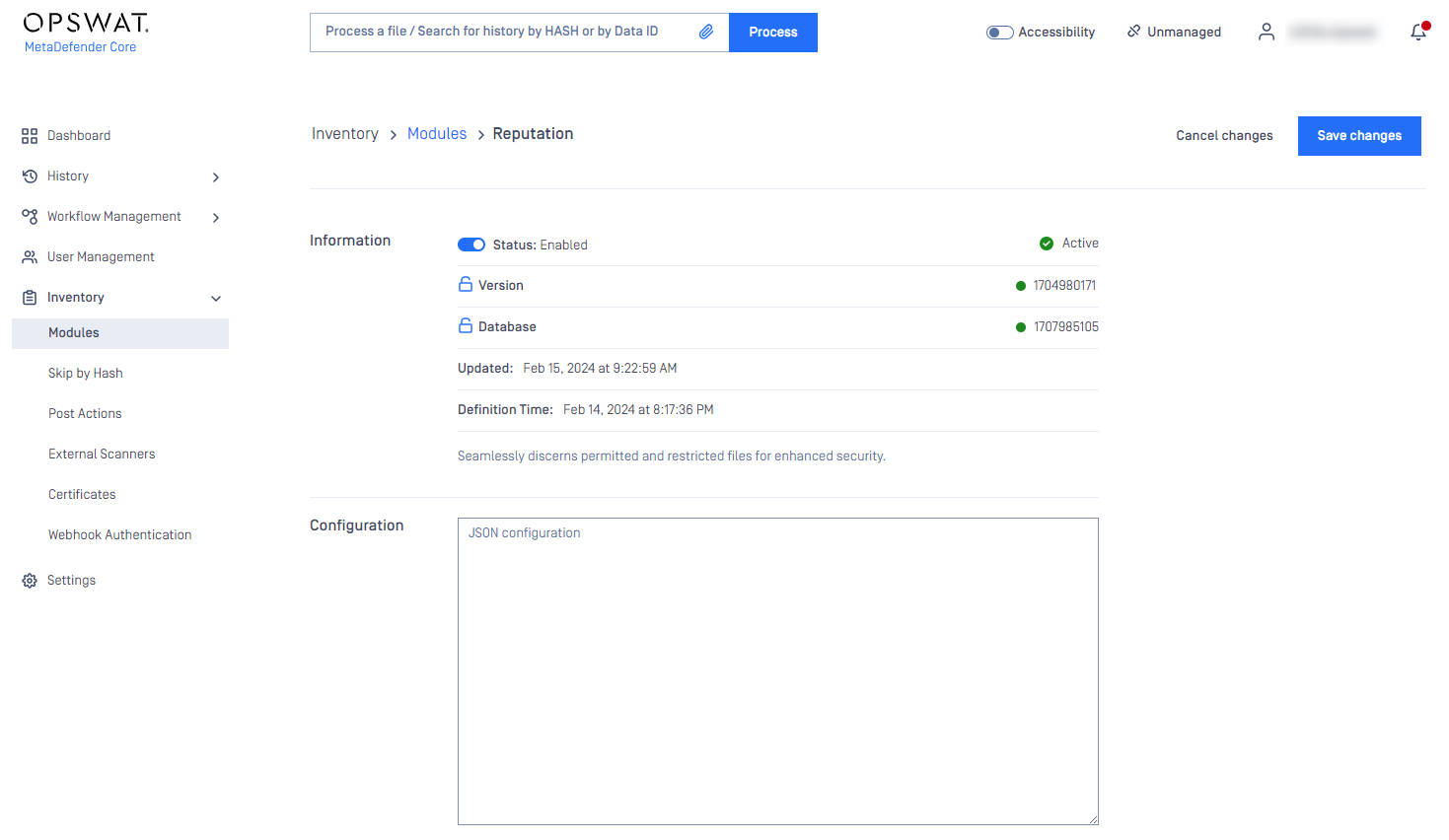
Go to Inventory > Modules and select the Reputation module
Enabling the engine
See details like engine version and status.
Workflow Configuration
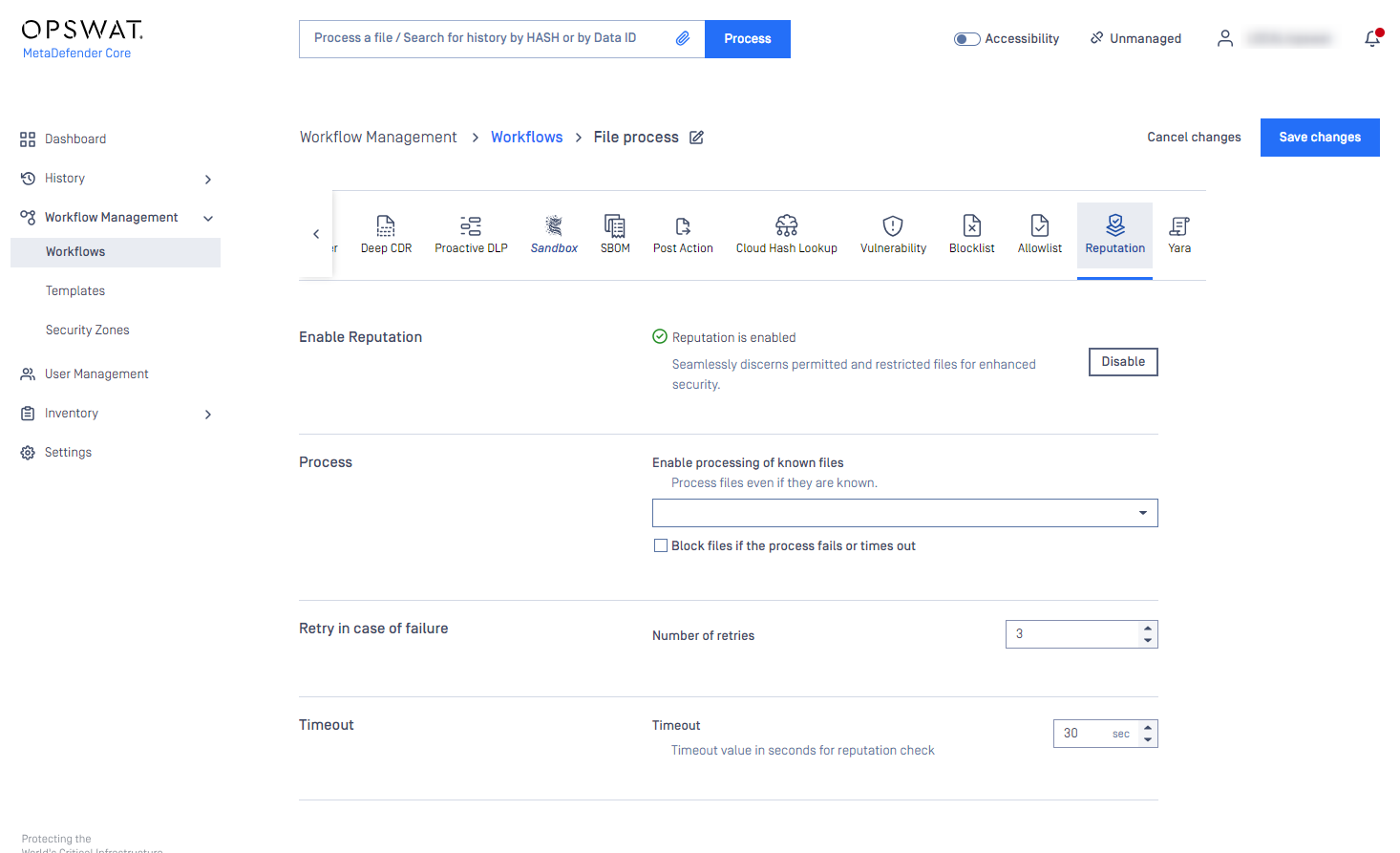
Go to Workflow Management > Workflows and select your workflow and select the File Process module.
In the carousal below, select Reputation.
The Reputation Engine can be configured in the MetaDefender platform under Workflow Management section, as shown in the image below:
Configuration steps
First, enable Reputation Engine in your workflow
Optionally, modify the default workflow configuration, as described below
These settings might impact performance
Configuration options:
In case of Known bad or Known good verdict, the user can choose whether it is the final verdict for the uploaded file or to run the other engines of MetaDefender Core.
Block files if the process fails or times out
Determine the number of retries in case of failure
Set timeout value for reputation check
OPSWAT Verfied
OPSWAT-verified files are included by default and cannot be changed. These files have been manually checked in-house to ensure they are safe and accurately assessed.

NSRL Allowlist
Enable to includes hashes from the official National Software Reference Library (NSRL) hash list, which contains widely used and trusted software hashes. The hashes have been verified and filtered by OPSWAT.


Third-party Allowlist
Enable to includes files that have been verified and curated in-house by OPSWAT. These files are checked against internal sources to ensure trust and reduce unnecessary scanning.