Installation
Replication Manager is compatible solely with Linux-based operating systems.
The Replication Manager version in use must be compatible with the major version of the installed PostgreSQL.
All PostgreSQL servers must be of the same version and run on the same operating system.
High availability solution for PostgreSQL data lake requires a single primary server along with a minimum of two standby servers. Both PostgreSQL and Replication Manager must be installed on every server.
On the servers that target to run as standby:
Do not create a PostgreSQL instance (i.e., do not execute
initdbor any database creation scripts provided by packages).Ensure the destination data directory exists and is owned by the
postgressystem user.
Select your Linux distribution here and follow the steps to install PostgreSQL accordingly.
Follow the steps to install Replication Manager for PostgreSQL clusters - repmgr.
Primary configuration
Choose one of the installed servers to be the primary one.
Navigate to the folder containing
postgresql.conffile and create a replication config file namedpostgresql.replication.conf.
By default, postgresql.conf file is placed at
/var/lib/pgsql/<version>/data/on Red Hat/Rocky./var/lib/postgresql/<version>/mainon Debian/Ubuntu.
Add the replication configuration file name to the end of
postgresql.conffile and save the modifications.
In Terminal, run the following commands to create
repmgruser and database.
In this guideline, although the term repmgr is used for both user and database, any names can be used.
Edit
pg_hba.conffile to configure the authentication.
Restart PostgreSQL server.
Create
repmgr.conffile, fill out information in brackets and store it in a location of your choice.
repmgr.conf file should not be placed inside PostgreSQL data folder as it may be overwritten.
Key | Red Hat/Rocky | Debian/Ubuntu |
|---|---|---|
|
|
|
|
|
|
| Directory to | Directory to |
In Terminal, run the following commands to register the primary server.
Standby configuration
Create
repmgr.conffile and modify values ofnode,node_name,conninfoaccordingly.Store the file in your reference location.
Stop PostgreSQL server.
In Terminal, run the following commands to clone data from the primary server.
Start PostgreSQL server.
In Terminal, run the following commands to register the standby server.
Check if the node was registered successfully.
Automatic failover
In Terminal, run the following command to start Replication manager daemon on all PostgreSQL servers (including primary and standbys)
Rejoin after a failure
Replication manager daemon repmgrd does not automatically join a failed PostgreSQL server node to the cluster. Consequently, the cluster contains at least two primary nodes at one time, and the system administrator has to join the node to the cluster manually.
Ensure the failed PostgreSQL server is not running. Run the following command in Terminal to stop the server if it has, by chance, already been started by the Linux system and service manager.
In Terminal, run the following command to rejoin the server.
If the server rejoin fails, do register it as a standby. In Terminal, run the following command.
Start PostgreSQL server.
Force register the server as a standby.
Setup instructions
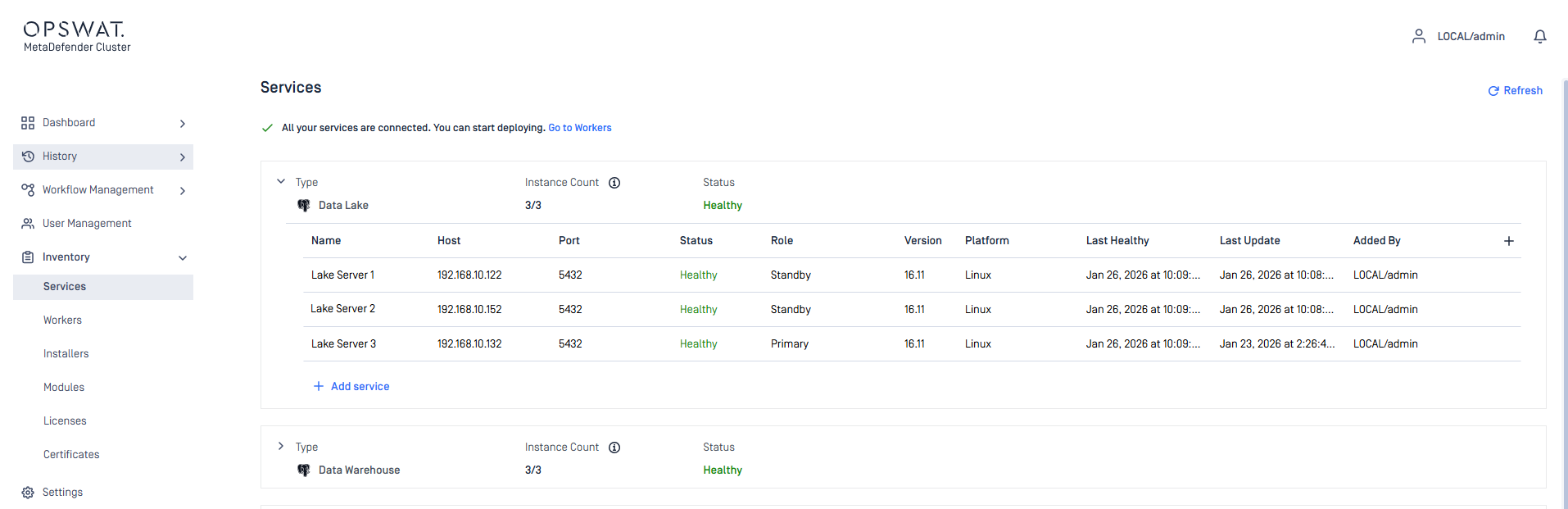
Sign to MD Cluster Control Center console with your Administrator account.
Navigate to
Inventory>Services.Expand the
Data Lakegroup.Click
Add service.Enter the values for
Name,Host,Port,UsernameandPasswordfields of individual PostgreSQL instance.Click the Check icon in the bottom right to complete.
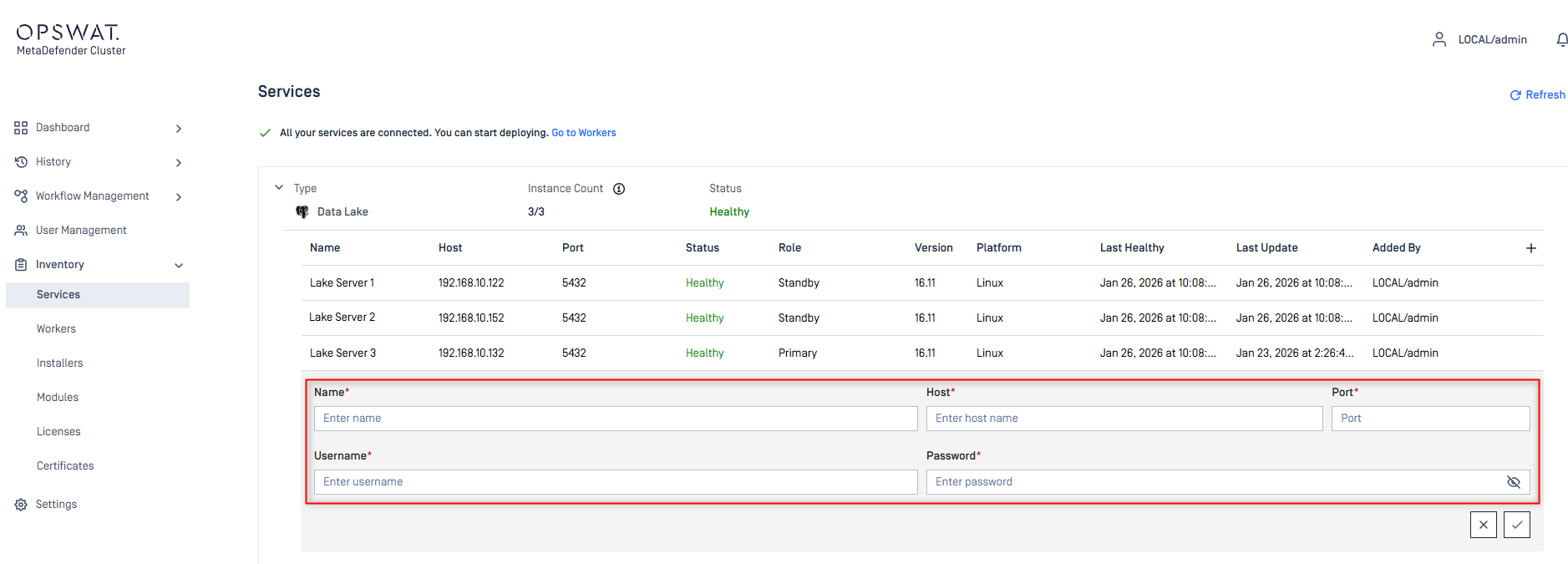
Ensure all PostgreSQL instances are reachable by the MD Cluster Control Center.