
MetaDefender Cloud leverages OPSWAT’s status page for cloud services, trust.opswat.com, where we regularly post service performance and incident information. This page explains how to follow the status of the service, how OPSWAT notifies you about incidents, and how you report an incident to us.
How Do I Subscribe to Notifications About Incidents on MetaDefender Cloud?
Go to trust.opswat.com and click on the button “SUBSCRIBE TO UPDATES”.
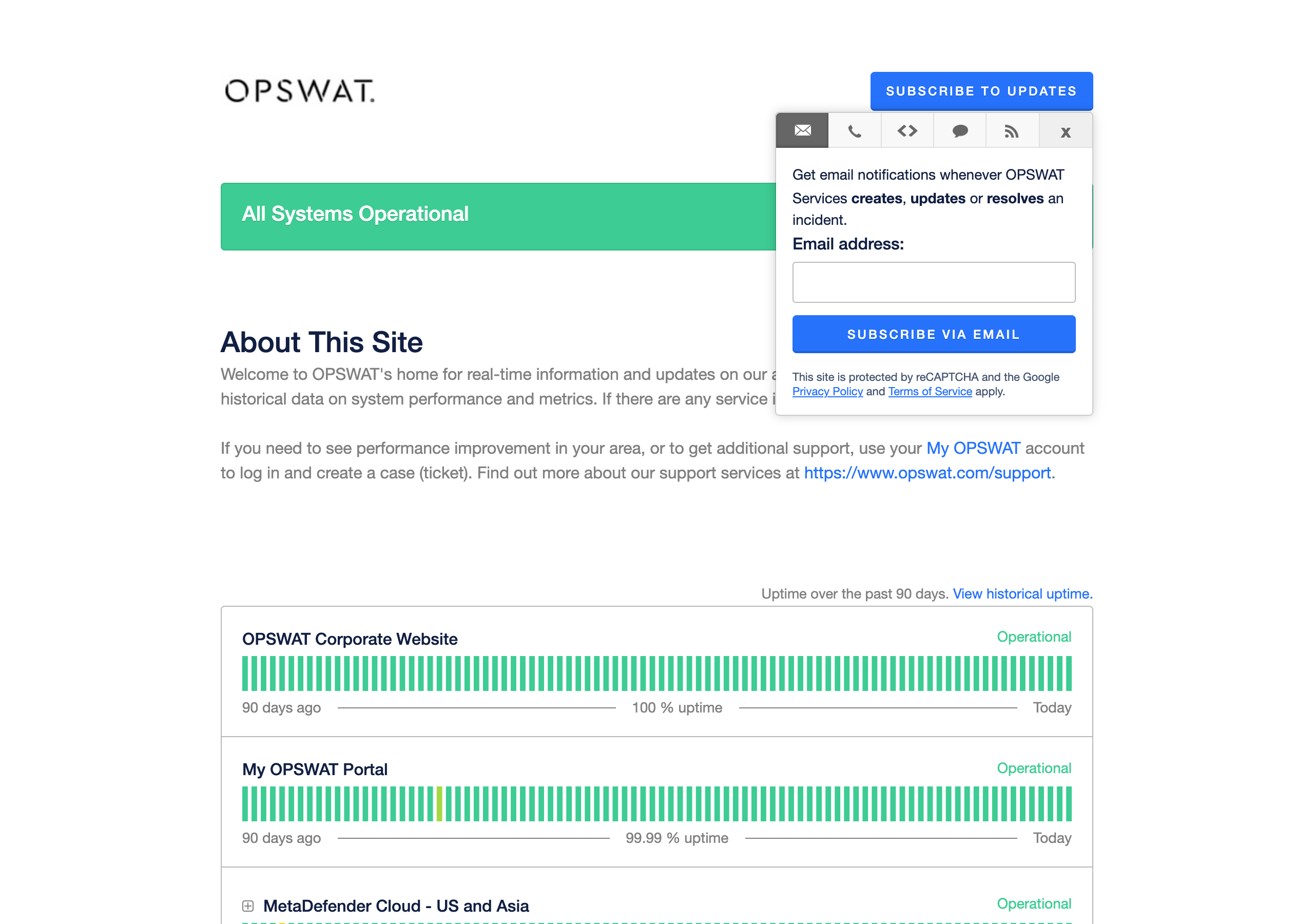
The page provides several options for receiving notifications about outages and scheduled maintenance:
Option | What you receive |
|---|---|
A message whenever OPSWAT creates, updates or resolves an incident | |
SMS | A text message whenever OPSWAT creates or resolves an incident |
Webhook | A call to a URL you provide whenever OPSWAT creates, updates or resolves an incident, or changes the status of a component |
RSS or Atom feed | A feed you can add to your reader or monitoring tool |
What Kinds of Incidents Are Posted to trust.opswat.com?
Currently, you can find several types of information posted to this page:
Incidents such as outages and unexpected changes
Performance degradation
Scheduled maintenance
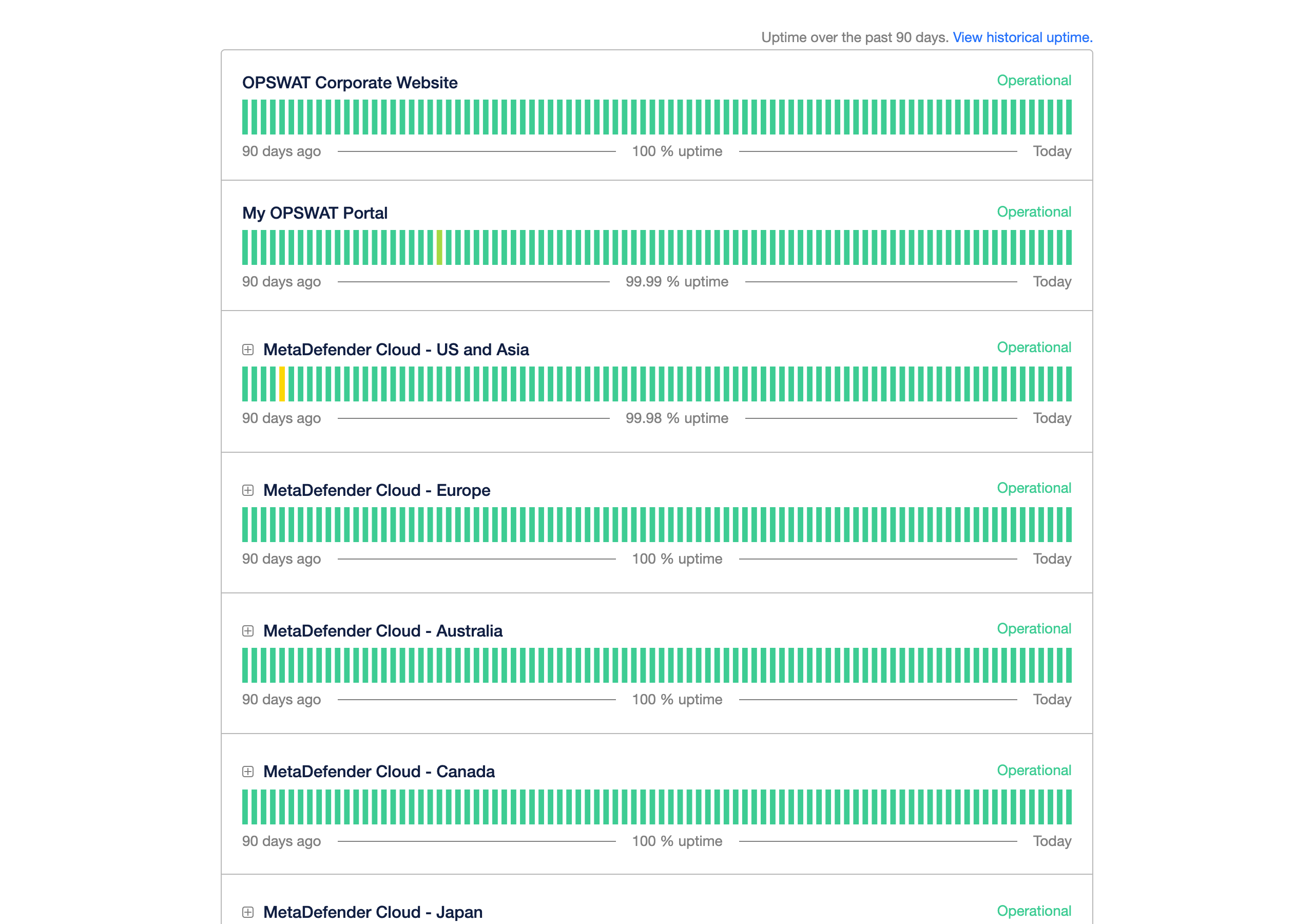
The status is shown per region (US and Asia, Europe, Australia, Canada, Japan, India and Israel) and per service within each region, together with the uptime of the past 90 days and the history of past incidents.
How and When Does OPSWAT Notify Me About an Incident?
Type of incident | How you are notified |
|---|---|
Service disruption (outage or degraded performance) | Notice on trust.opswat.com, sent to everyone subscribed |
Major service disruption | Notice on trust.opswat.com, sent to everyone subscribed |
Security incident that affects your data | OPSWAT contacts you directly at the email address of your account, or of your organisation’s administrators. |
Scheduled maintenance outside the regular schedule | Notice on trust.opswat.com |
While an incident is open, OPSWAT posts updates on trust.opswat.com until it is resolved, and posts a final notice when the service is restored.
A notice about a security incident that affects your data tells you what happened, which of your data was involved, what OPSWAT has done, and what, if anything, you need to do.
Can I Get a Report After an Incident?
Yes. After a major incident is resolved, you can ask OPSWAT Support for a root cause analysis.
I Am Having an Issue with MetaDefender Cloud. Where Can I Report It?
If you’re experiencing an issue with MetaDefender Cloud, you can always visit the OPSWAT Portal and submit a ticket to our support team from there. You can follow the progress of your ticket in the portal.
What you want to report | Where |
|---|---|
A problem with the service, such as errors, slow responses or unexpected results | Submit a ticket in the OPSWAT Portal. Include the time of the problem, the region or endpoint you called, and the data IDs or request details of the affected scans. |
A suspected security incident on your account, such as an exposed API key or access you don’t recognise | Submit a ticket in the OPSWAT Portal and mark it as urgent. If an API key may be exposed, ask for it to be revoked in the same ticket. |
A security vulnerability in MetaDefender Cloud | Submit it through the OPSWAT Vulnerability Program at opswat.com/security. For questions about the program, write to psirt@opswat.com. |
Who Do I Contact?
For | Contact |
|---|---|
Service problems and incidents on your account | OPSWAT Support, through the OPSWAT Portal |
Security vulnerabilities | |
Privacy and personal data questions | OPSWAT Support, through the OPSWAT Portal |