
Steps:
Power off the system.
Power the system on and quickly press the "F2" button until you see the BIOS setting menu
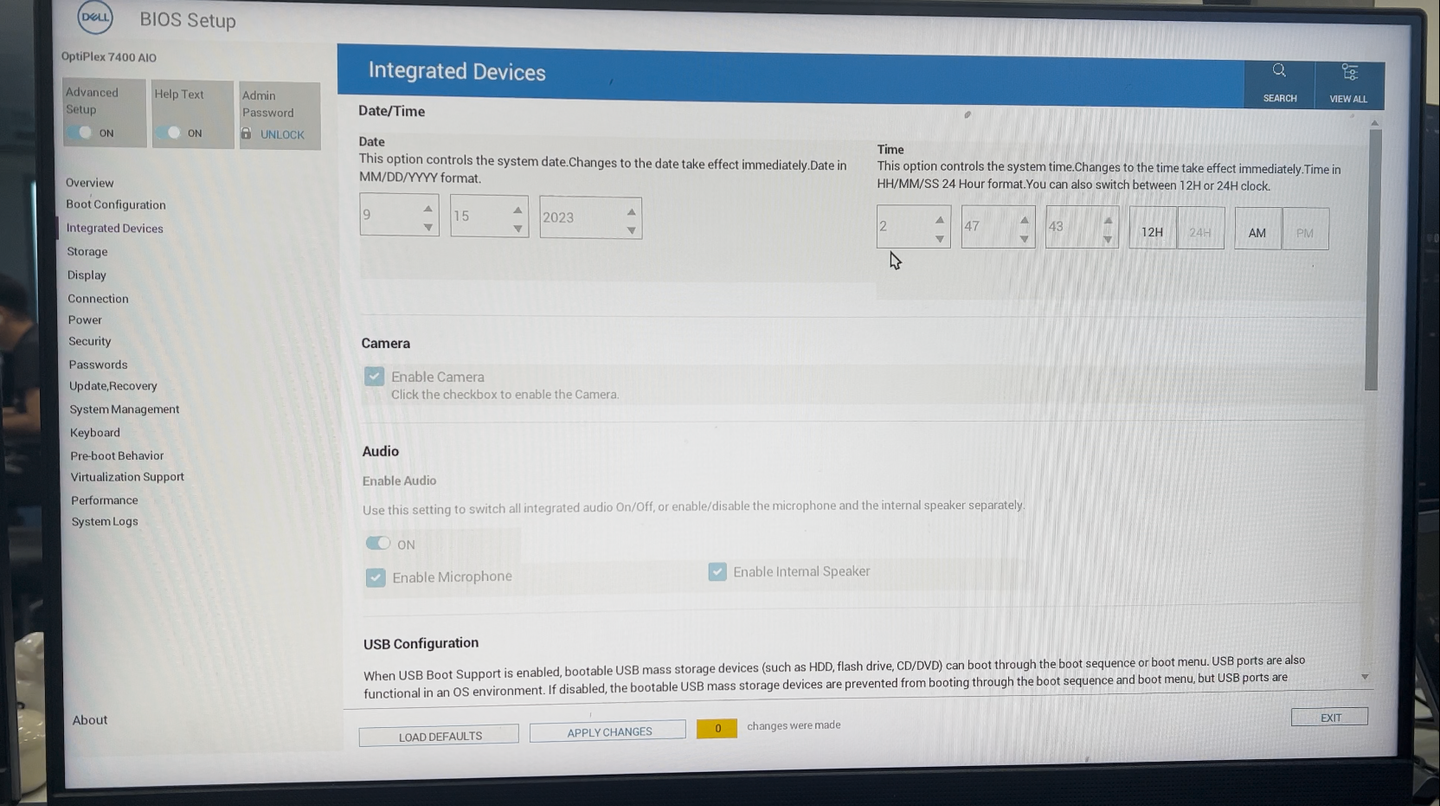
Navigate to Integrated Device.
Adjust the time to UTC+0.
Click Apply Changes then wait for the system to start.
Note: from version 2.2.0 we have support for setup time.
Was this page helpful?
Knowledge Base