Settings
v3.5.0
Search this version
Settings
Settings
Title
Message
Create new category
What is the title of your new category?
Edit page index title
What is the title of the page index?
Edit category
What is the new title of your category?
Edit link
What is the new title and URL of your link?
Sensor - Replay PCAP
Copy Markdown
Open in ChatGPT
Open in Claude
Replay PCAP setting is accessible under Settings > Replay PCAP
On the PCAP Replay settings page, users can replay PCAP files to feed network traffic to MetaDefender OT Security’s sensor.
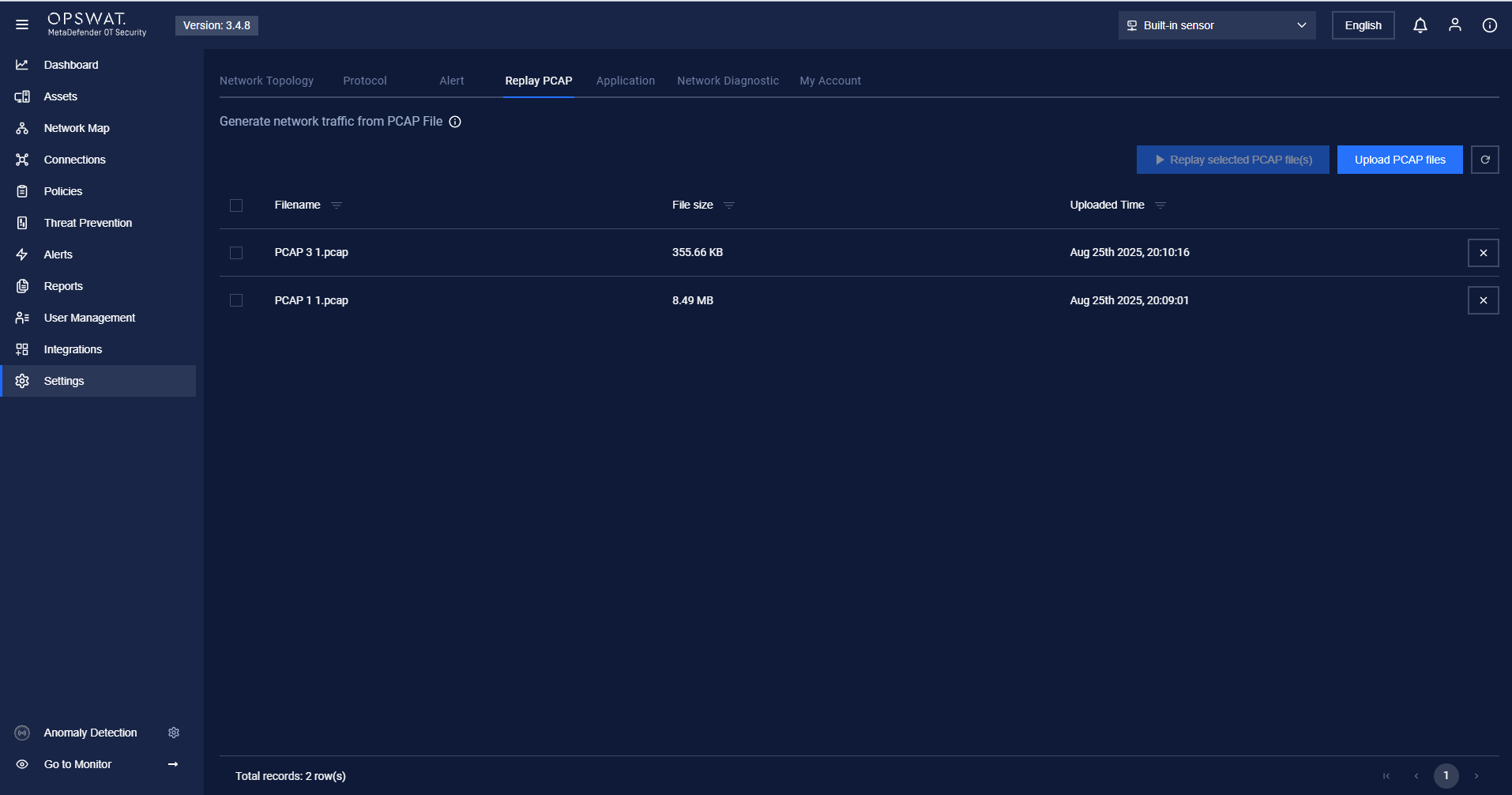
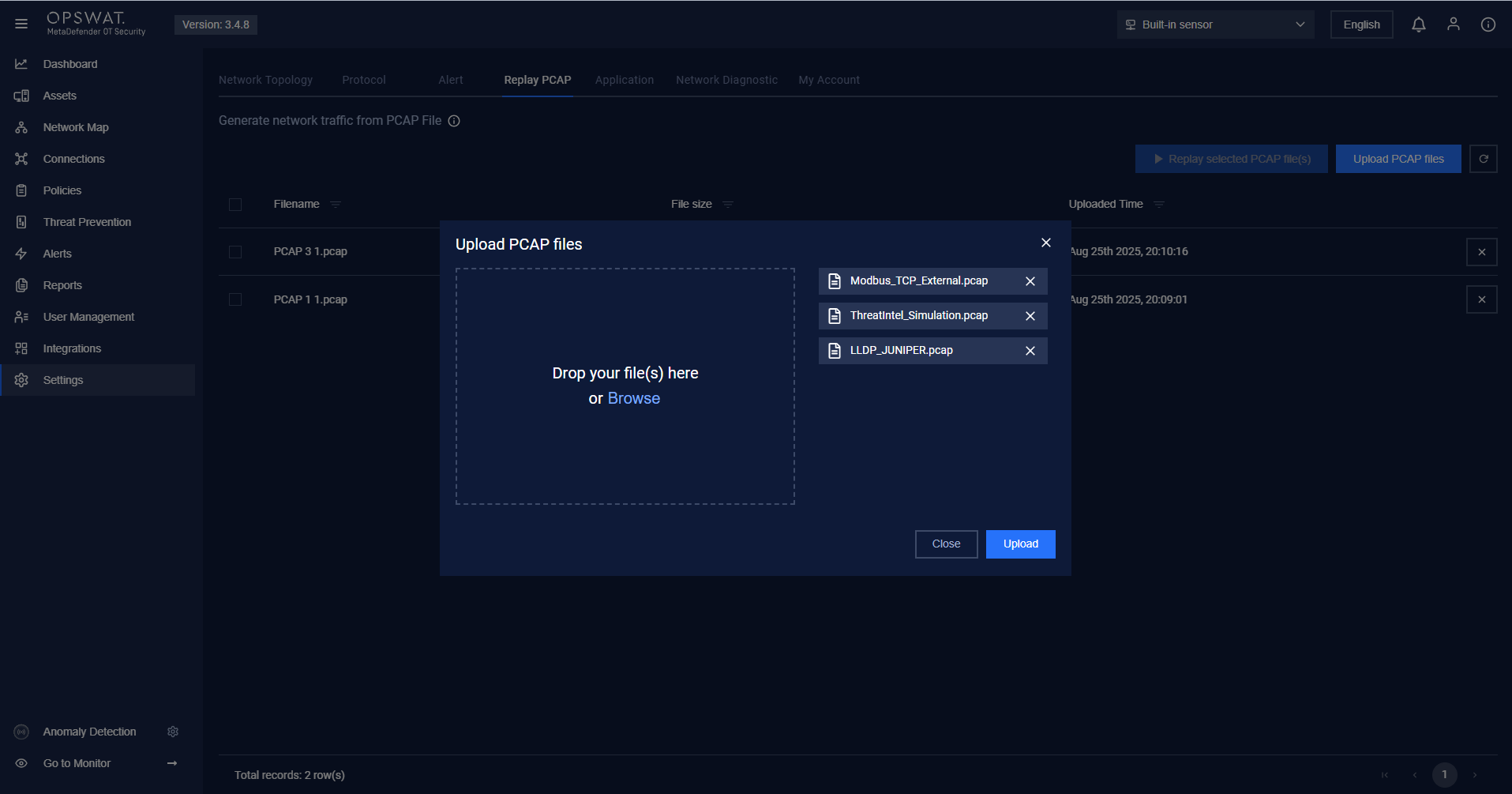
User can upload multiple PCAPs by clicking on “Upload PCAP files”
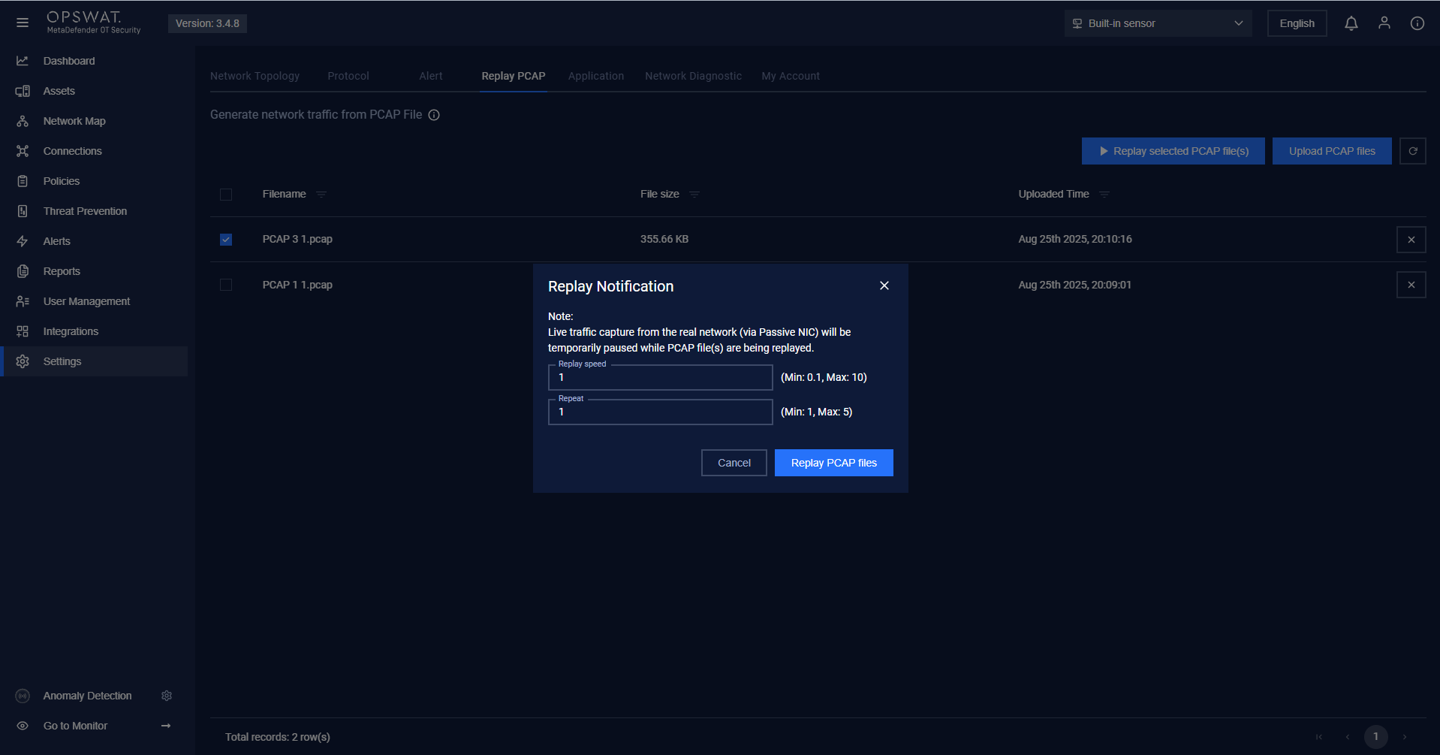
After uploading PCAPs, the user can select a PCAP to replay and click “Replay selected PCAP file(s)”. Then input Replay speed, Repeat times and click on “Replay PCAP files” button
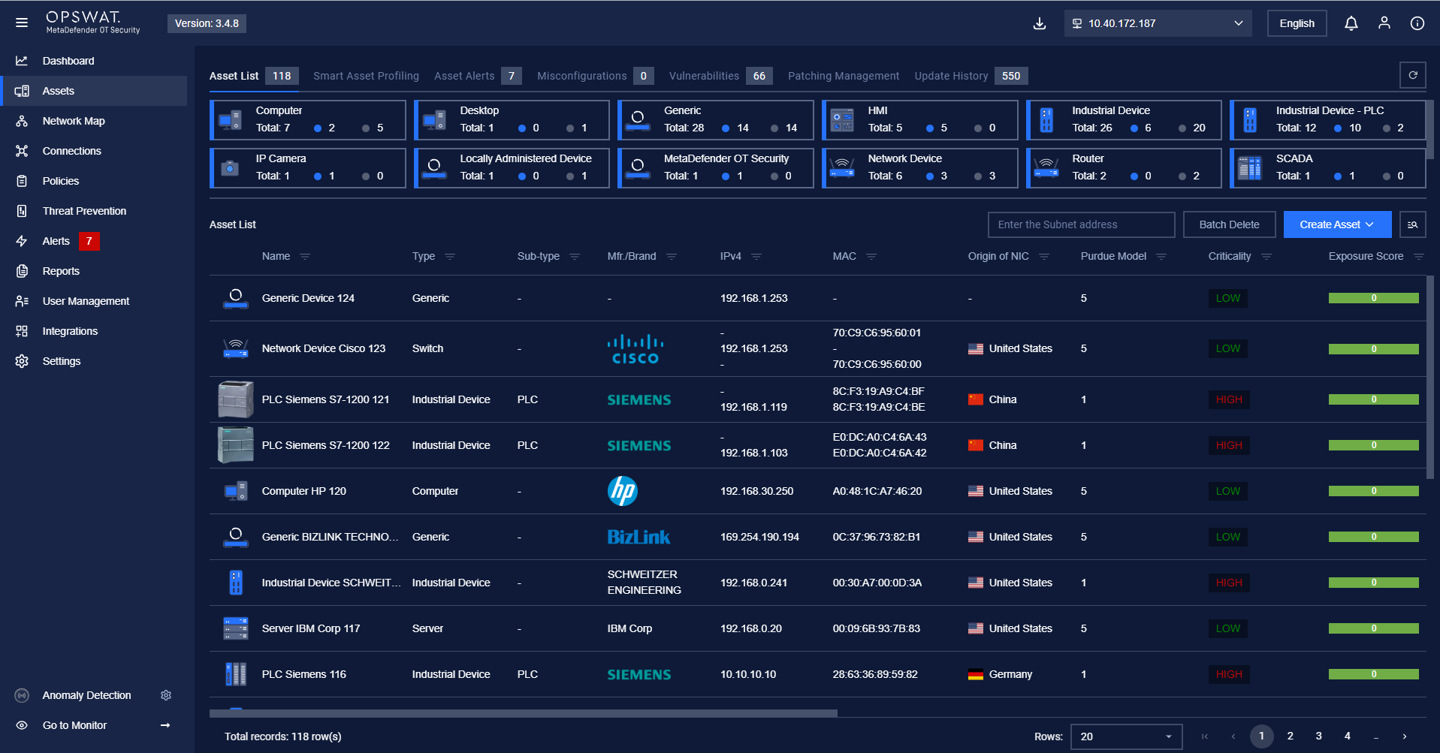
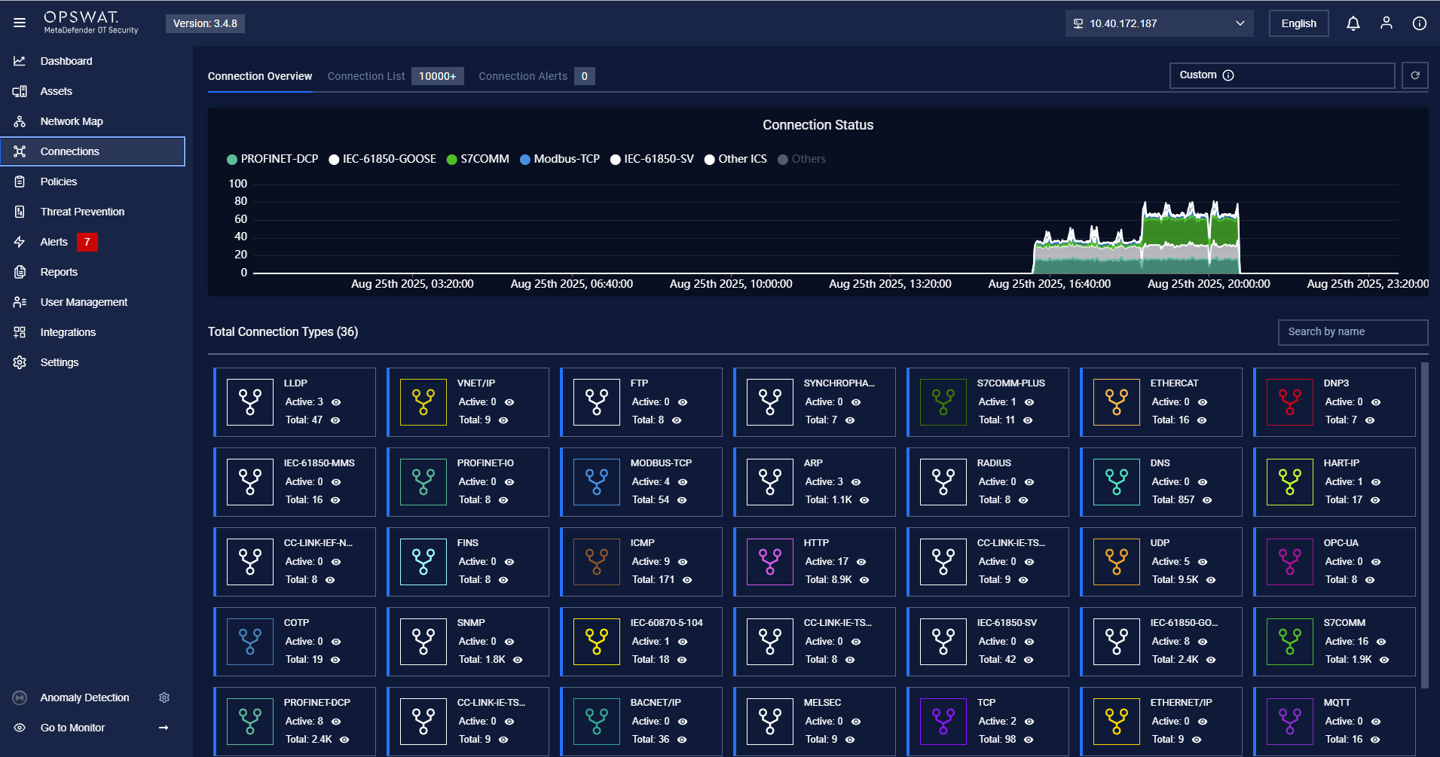
When finished replaying PCAP, the user can go to Assets and Connection to see the data.
Type to search, ESC to discard
Last updated on
Was this page helpful?
Next to read:
Sensor - Network & Discovery configurationDiscard Changes
Do you want to discard your current changes and overwrite with the template?
Archive Synced Block
Message
Create new Template
What is this template's title?
Delete Template
Message
