
Alert
Alert setting is accessible under Settings > Alert.
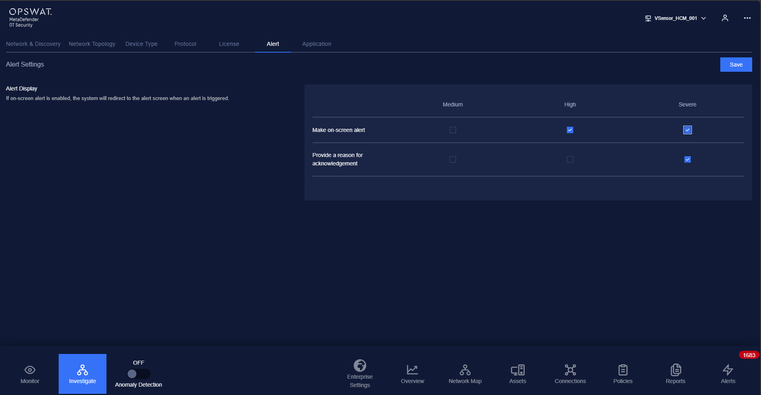
On alert setting page, user can configure how MetaDefender OT Security behave when there is an alert triggered: make on screen alert, notify operator by sending email and send syslog message.
You can choose how alerts can be displayed:
The on-screen alert is checked: you will be navigated to the alert screen whenever there is an alert triggered, and all the alerts need to be resolved to be able to leave the alert screen or the user can Ignore All to leave the alert screen.
The on-screen alert is unchecked: alerts will only appear in alert list pages with an Acknowledge button beside them so that the user can resolve them later.
Note: Alerts with medium criticality will not be shown on screen by default.