
1. Set up the stand
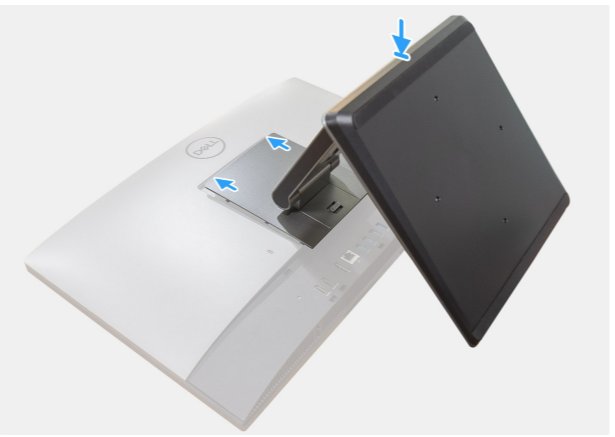
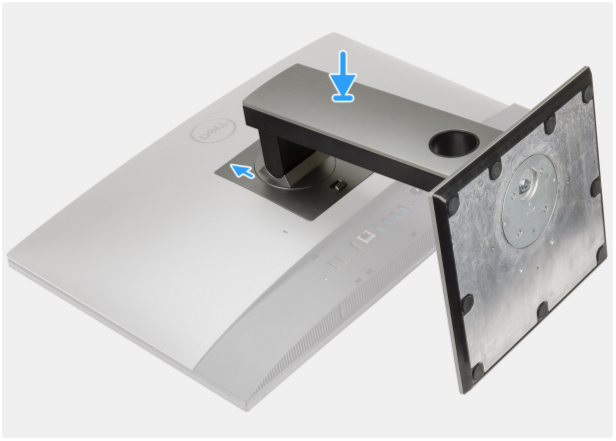
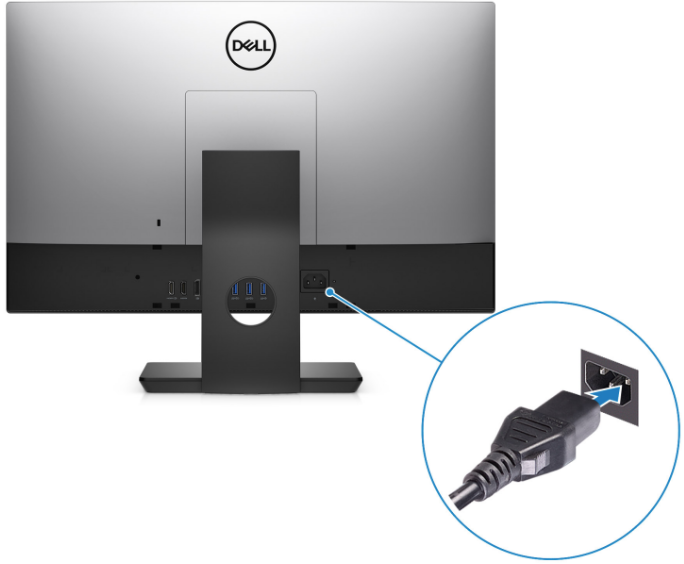
2. Route the power cable through the stand then connect the power cable
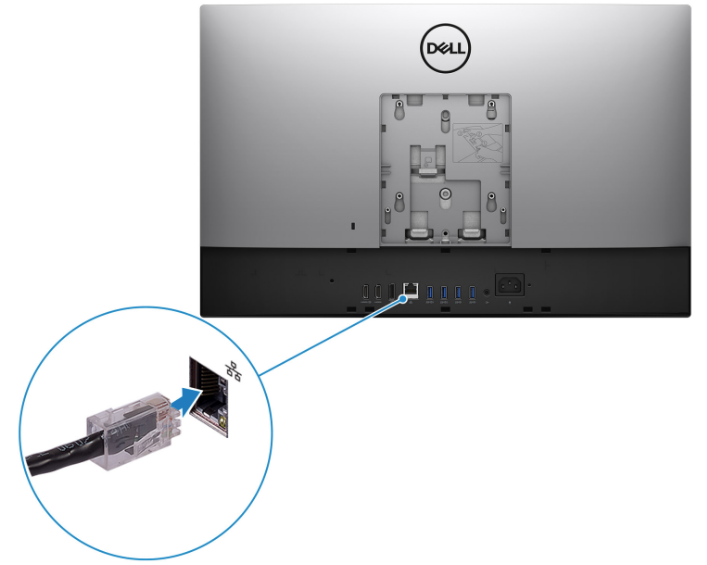
3. Connect ethernet port (built-in) for passive scanning.
We recommend using the ethernet port for passive scanning to have better performance.
4. Connect 2 usb-to-ethernet adapters (NIC01 for active and NIC02 for internet).
Please note that NIC for active scanning will connect to the normal port (not mirror port) on Switch.
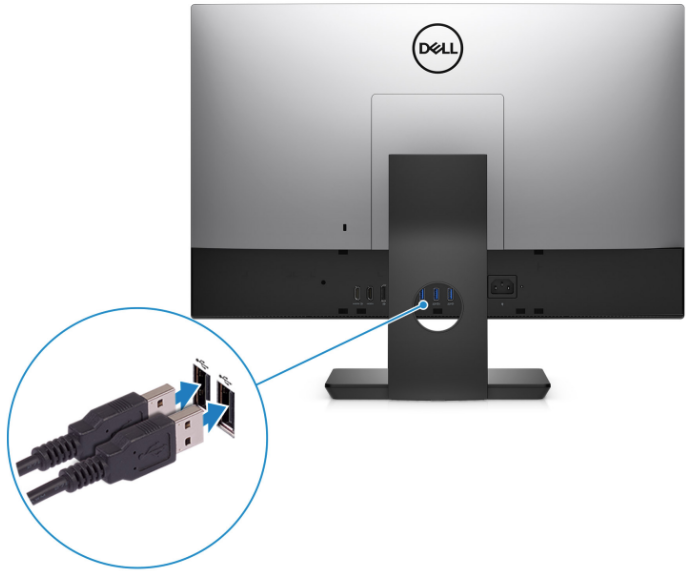
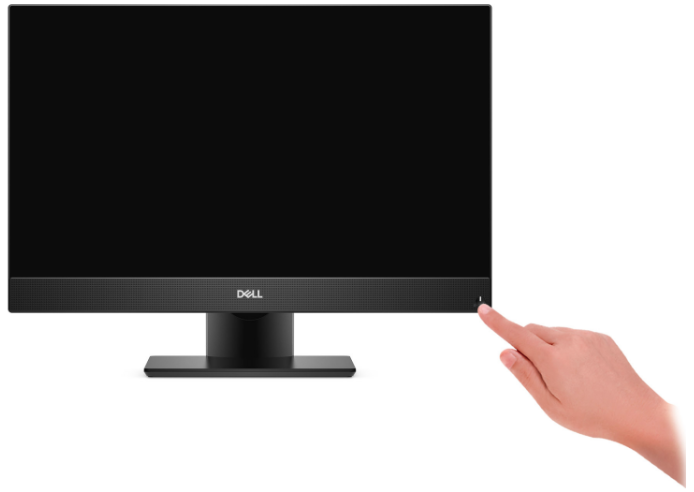
5. Press the power button to start Neuralyzer application and continue with Quickstart Guide
Was this page helpful?
On This Page
Quick set up Neuralyzer All-in-One1. Set up the stand2. Route the power cable through the stand then connect the power cable3. Connect ethernet port (built-in) for passive scanning.4. Connect 2 usb-to-ethernet adapters (NIC01 for active and NIC02 for internet).5. Press the power button to start Neuralyzer application and continue with Quickstart GuideGetting Started