
The Enterprise dashboard is accessible by selecting the Enterprise icon and clicking the Overview icon.
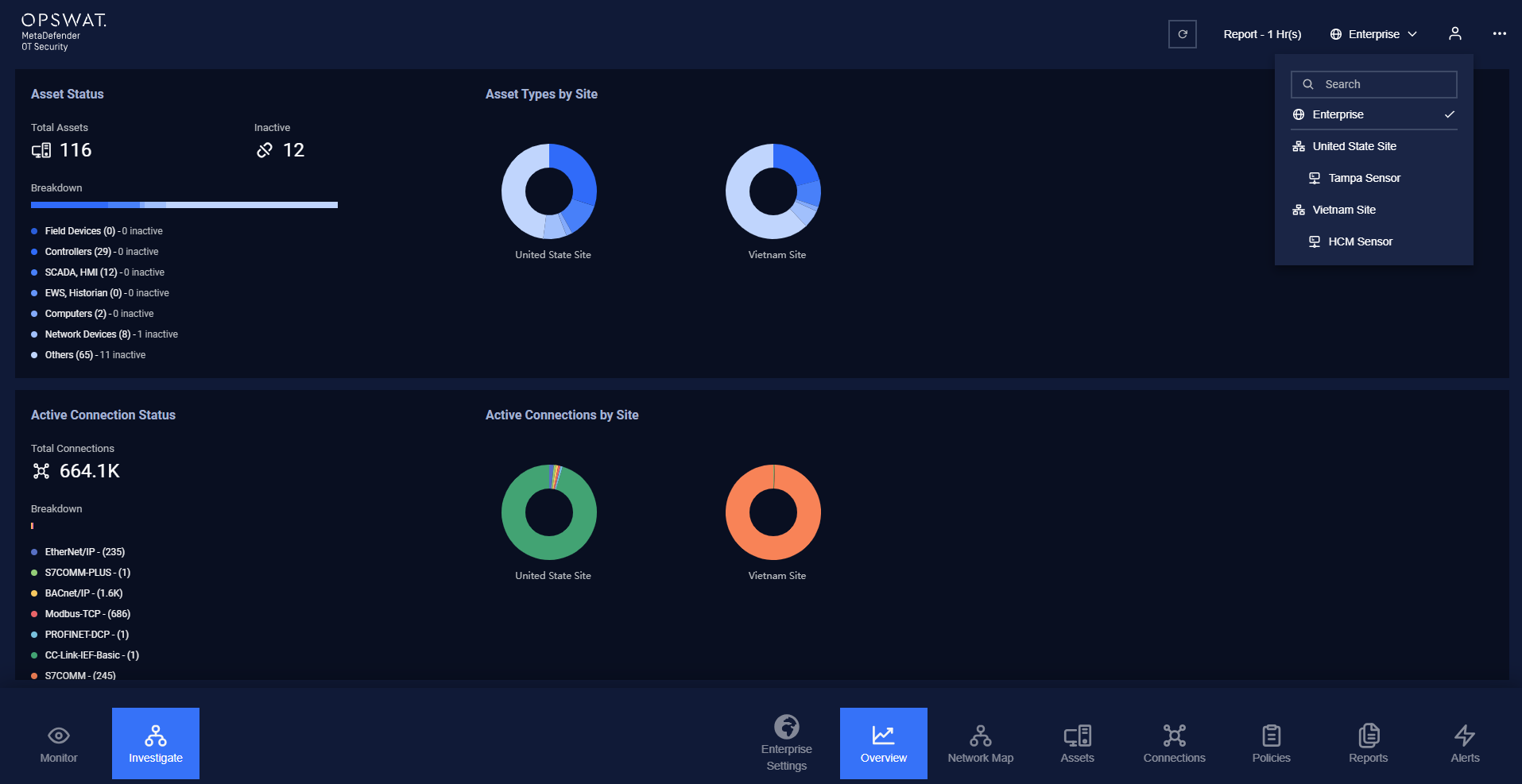
The Enterprise dashboard serves as a comprehensive system overview, presenting information from all sites to help users easily understand and monitor devices. It displays the Alert Status, Asset Status, and Active Connection Status of all sites, along with graphs for each site.
Was this page helpful?
Operating