
Assemblyline 4 is a scalable file triage and malware analysis system integrating some of the cyber security community's tools.
With the integration, you can send a file or URL scan request from Assemblyline 4 to MetaDefender Sandbox.
The source code of the integration is available here.
The docker image is available here.
Installation
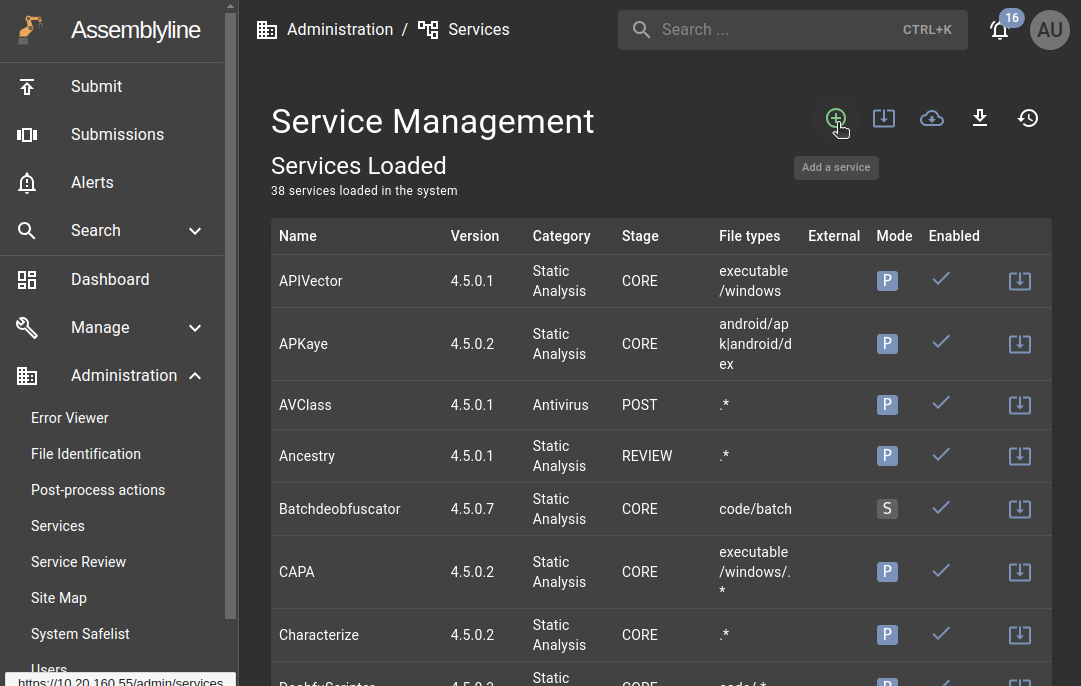
In Assemblyline4 go to Administration -> Services and click on the green plus button (add service):
Paste the service manifest on the pup-up window:
If you use the yml file from github, please change the $SERVICE_TAG vaiable everywhere to the actual docker tag. (Now it's 4.5.1.dev0)
Click on Add button on the bottom left.
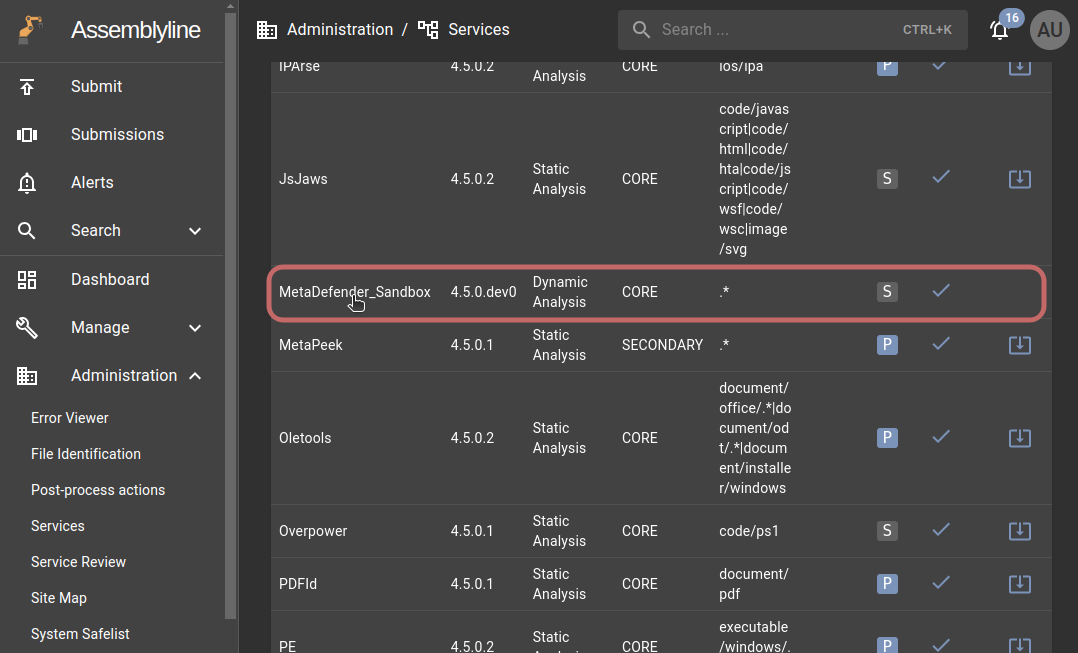
After installation, you will find the service within the loaded services. Ensure that it has been enabled:
Configuration
On the service details panel you can set the submission parameters and the service variables.
Service variables
The service variables are the follows:
Description | Default value | required | |
|---|---|---|---|
api-key | MetaDefender Sandbox api-key | yes | |
host | Sandbox host | yes | |
poll-interval | Submission polling interval | 2 | |
timeout | Submission polling timeout | 60 |
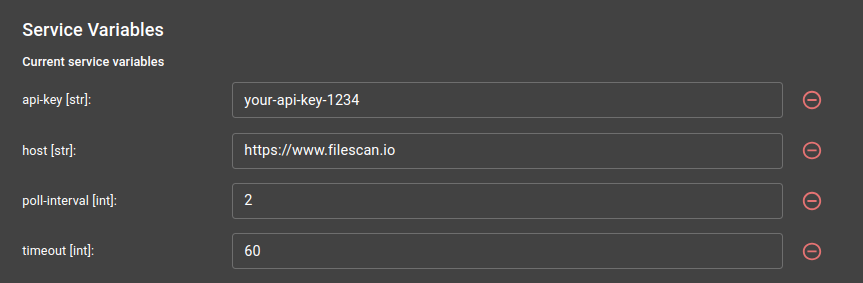
A MetaDefender Sandbox API key is required to use the integration.
You can use the Activation Key that you received from your OPSWAT Sales Representative, and follow the instructions on the License Activation page or you can create an API key on the Community site under API Key tab.
You need to add your API key, and if you have on-prem version of MetaDefender Sandbox, you can add your own server's URL. The default URL is Filescan.io free community.
After saving the settings you can use the service.
Submission parameters
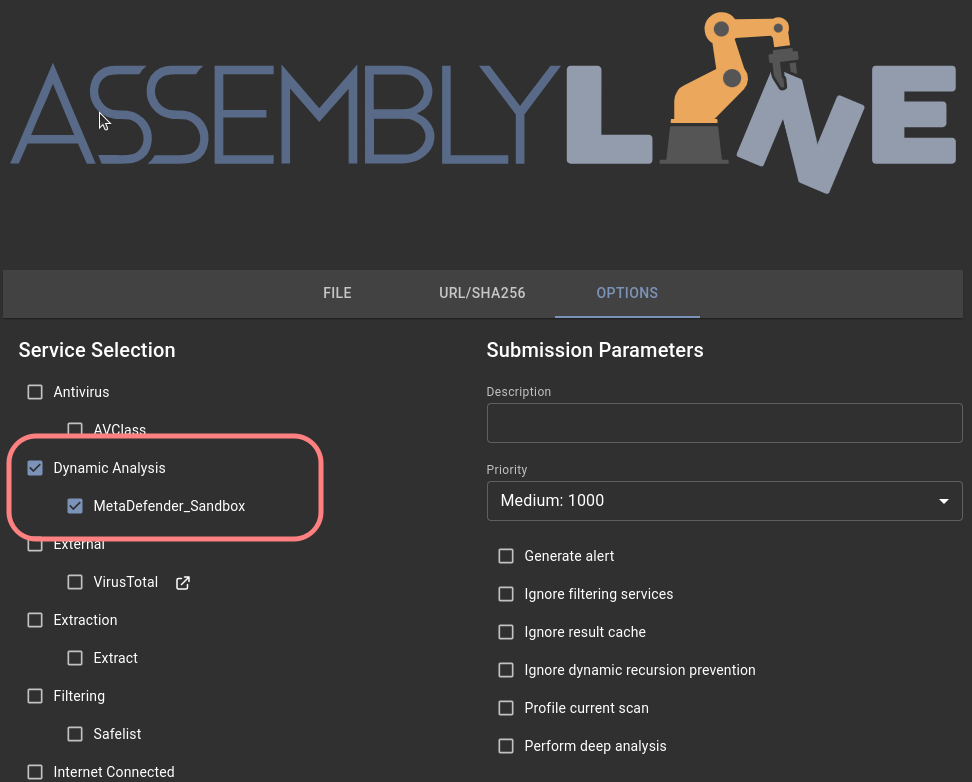
To use the service, you must select the MetaDefender_Sandbox service under the settings menu when submitting a file or a URL. You can found it under the Dynamic Analysis section:
Under the Service Specific Parameters section you can set the Filescsan Sandbox submission parameters:
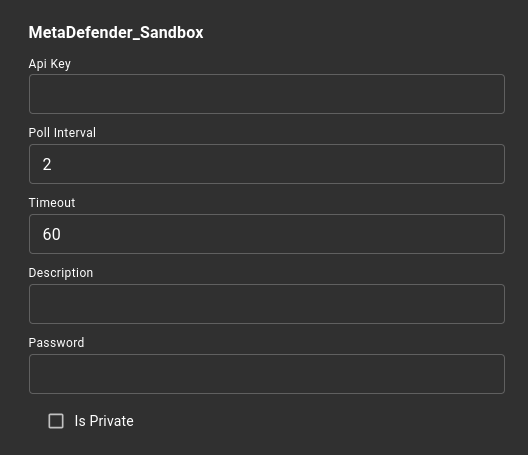
These parameters are:
Description | Default value | Required | |
|---|---|---|---|
Api-Key * | MetaDefender Sandbox api-key | Uses the service variable | |
Poll-Interval * | Submission polling interval | 2 | |
Timeout * | Submission polling timeout | 60 | |
Description | Uploaded file/URL description | ||
Password | Custom password, in case uploaded archive is protected | ||
Is Private | If file should not be available for download by other users |
*In case that you would like to use different value than it was set under the service variables.
Available actions
File scan
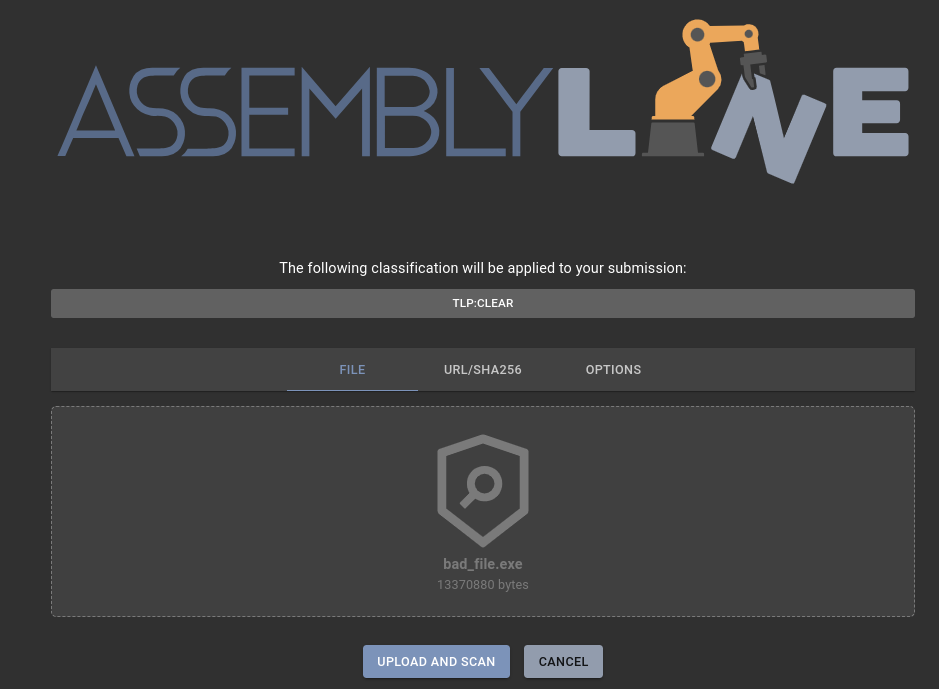
To scanning a file drag and drop the target file to the uploader area and click on 'UPLOAD AND SCAN' button:
URL/SHA256
To scan an URL, write the URL address to the field and click on SCAN button
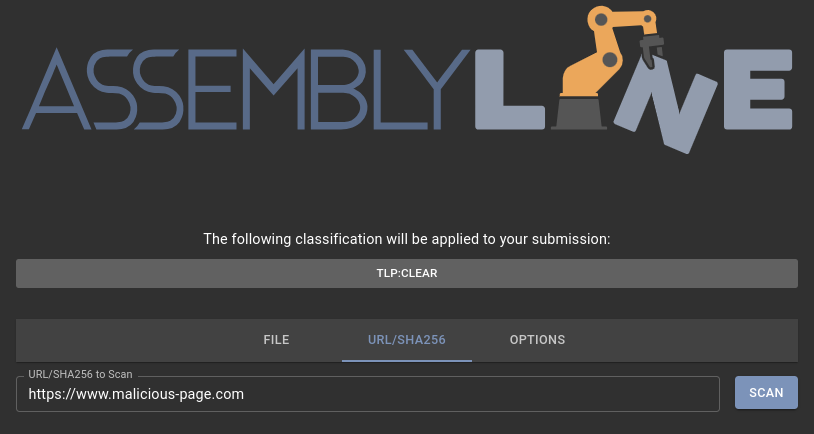
To scan a SHA256, copy the target file's SHA256 hash to the field.
You can scan only that SHA256 what is exists in Assemblyline.
Result
After the scan is successfully performed, the main result will be visible with the most important informations:
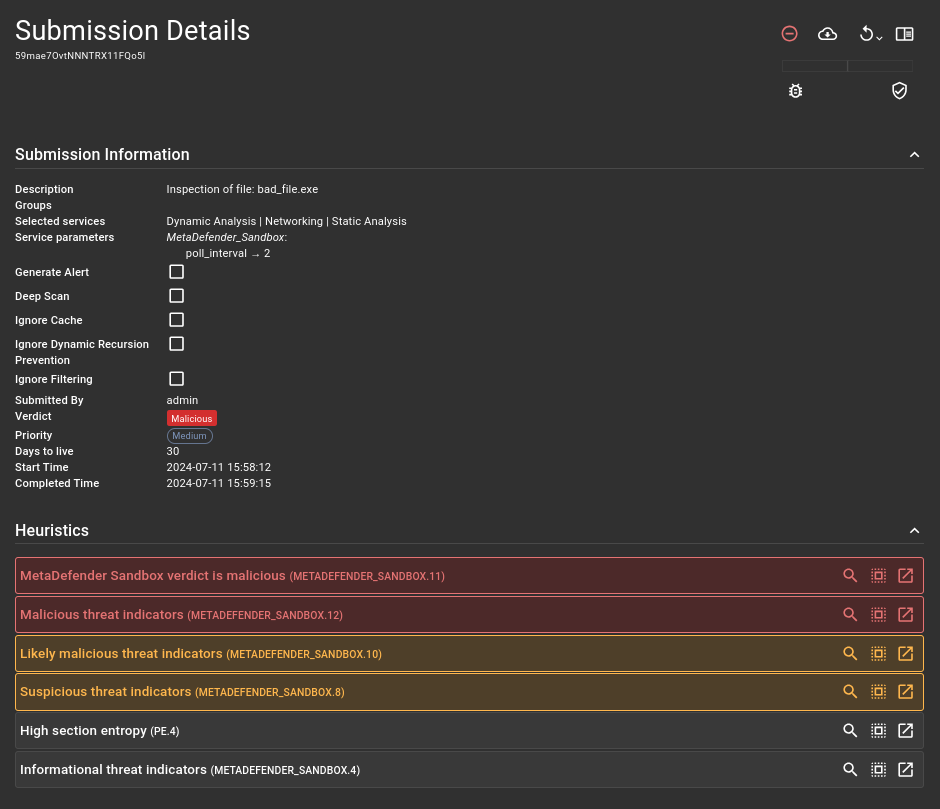
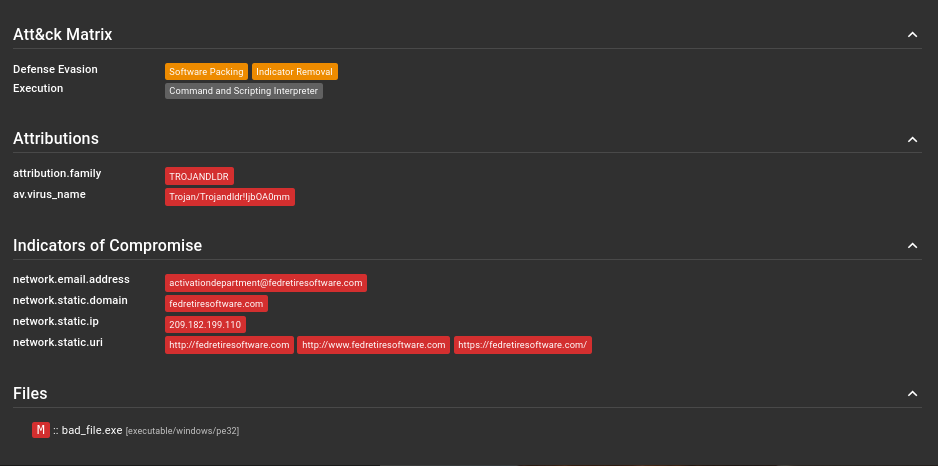
A summary report of the scan can be found under MetaDefender Sandbox result (heuristic):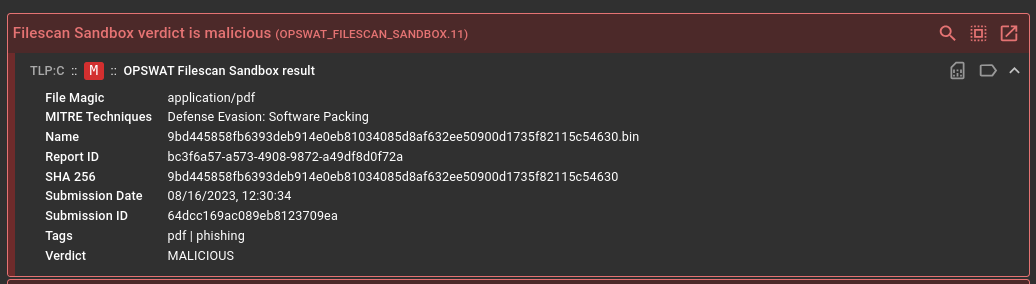
Indicators are added in a subsections for heuristics: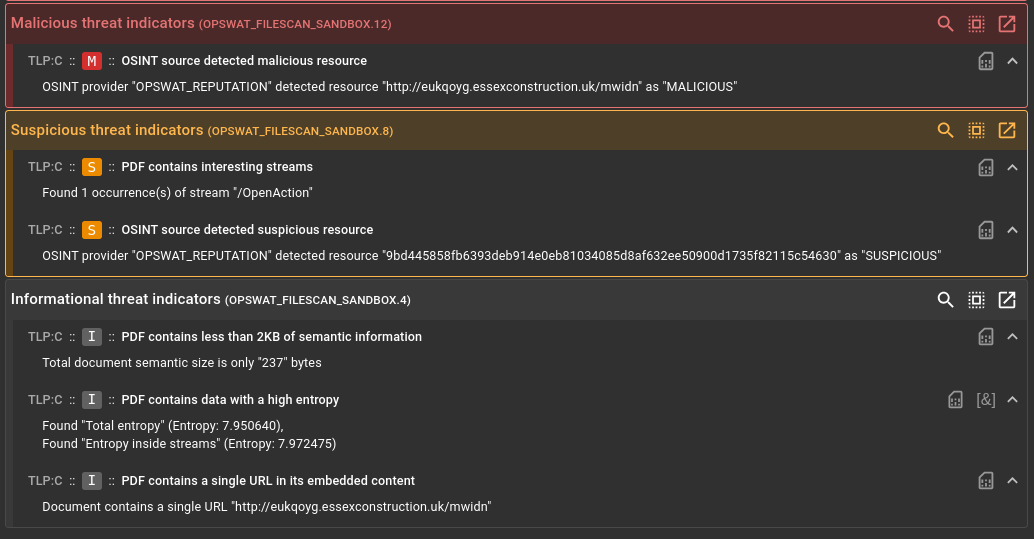
If any MITRE ATT&CK was identified, it can be found under the ATT&CK Matrix section:
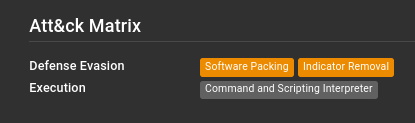
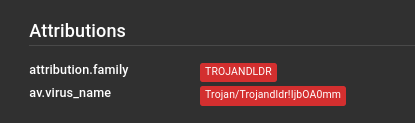
If there were any parsable attributes in the result, they will appear under Attributions
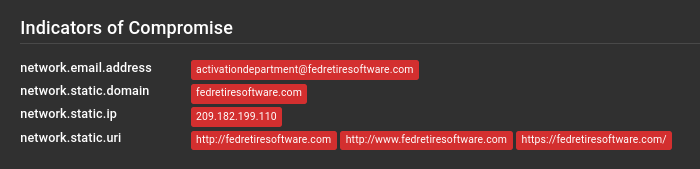
IOCs were found under the Indicators of Compromise section:
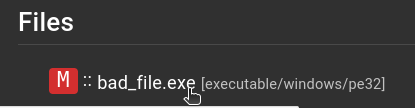
A more detailed report on the file is available by clicking on the links in the Files section:
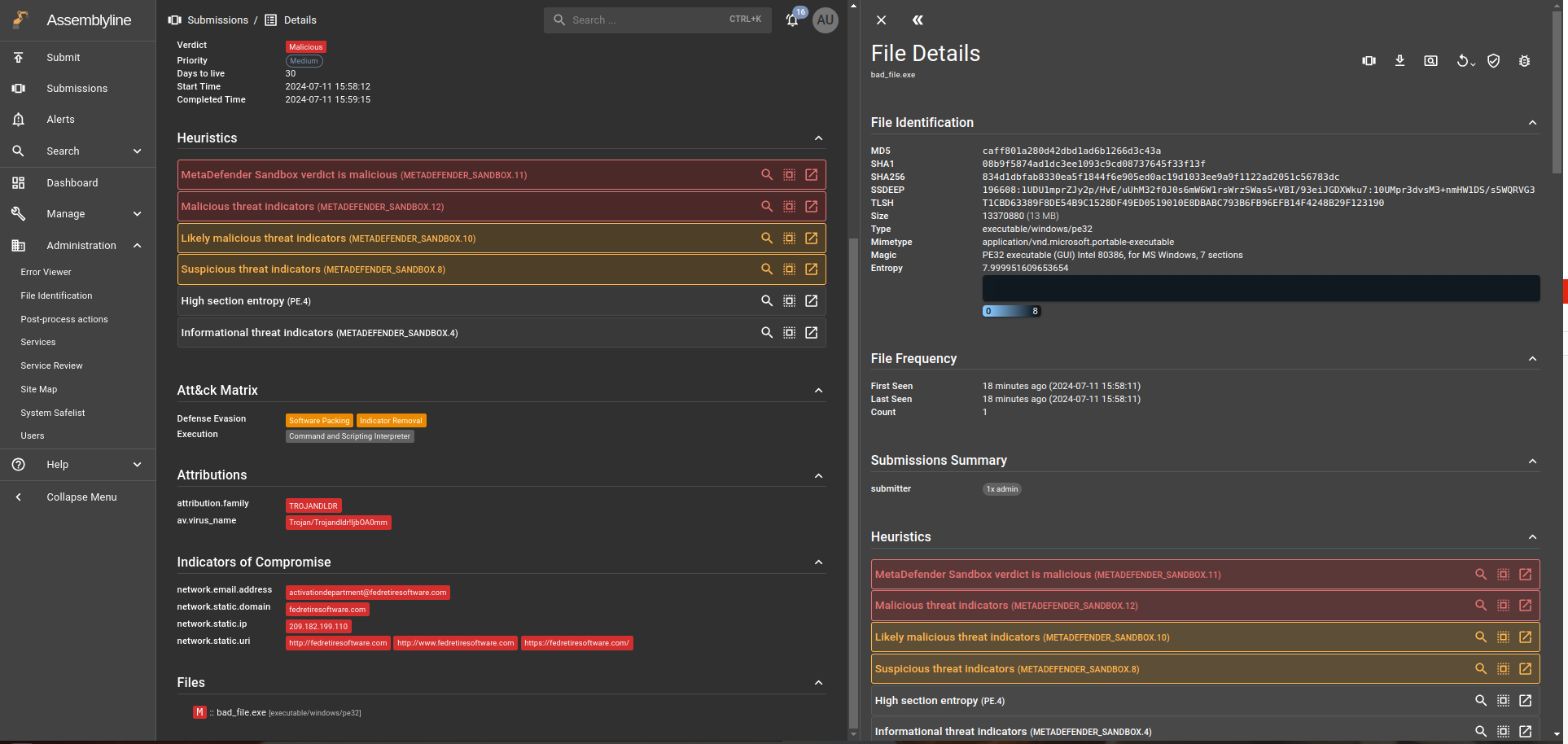
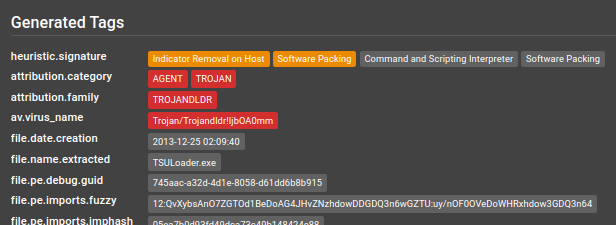
Here you can found the generated tags:
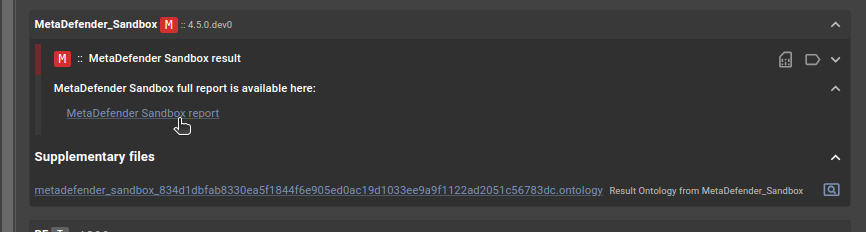
Furthermore, the link to the complete report is also available at your request below:
Compatibility
Tag | Sandbox 1.9.* | Sandbox 2.0.* |
|---|---|---|
≤ 4.5.1.dev0 | Yes | No |
4.5.1.dev1 | Yes | Yes |