Overview Integrations Release Notes Operational Guide MetaDefender Sandbox API Reference v1
Getting Started
Support
Operational Guide
1.9.3
Search this version
Operational Guide
Operational Guide
THREAT HUNTING AND SEARCH
Title
Message
Create new category
What is the title of your new category?
Edit page index title
What is the title of the page index?
Edit category
What is the new title of your category?
Edit link
What is the new title and URL of your link?
Adding users
Copy Markdown
Open in ChatGPT
Open in Claude
In this section, you will be shown how to add user to Filescan.io.
Only Admins are able to invite users and give certain right to those users.
Step 1 - Go to "Admin panel"
Go to your "Admin panel" by clicking on Your account icon on the top right corner.
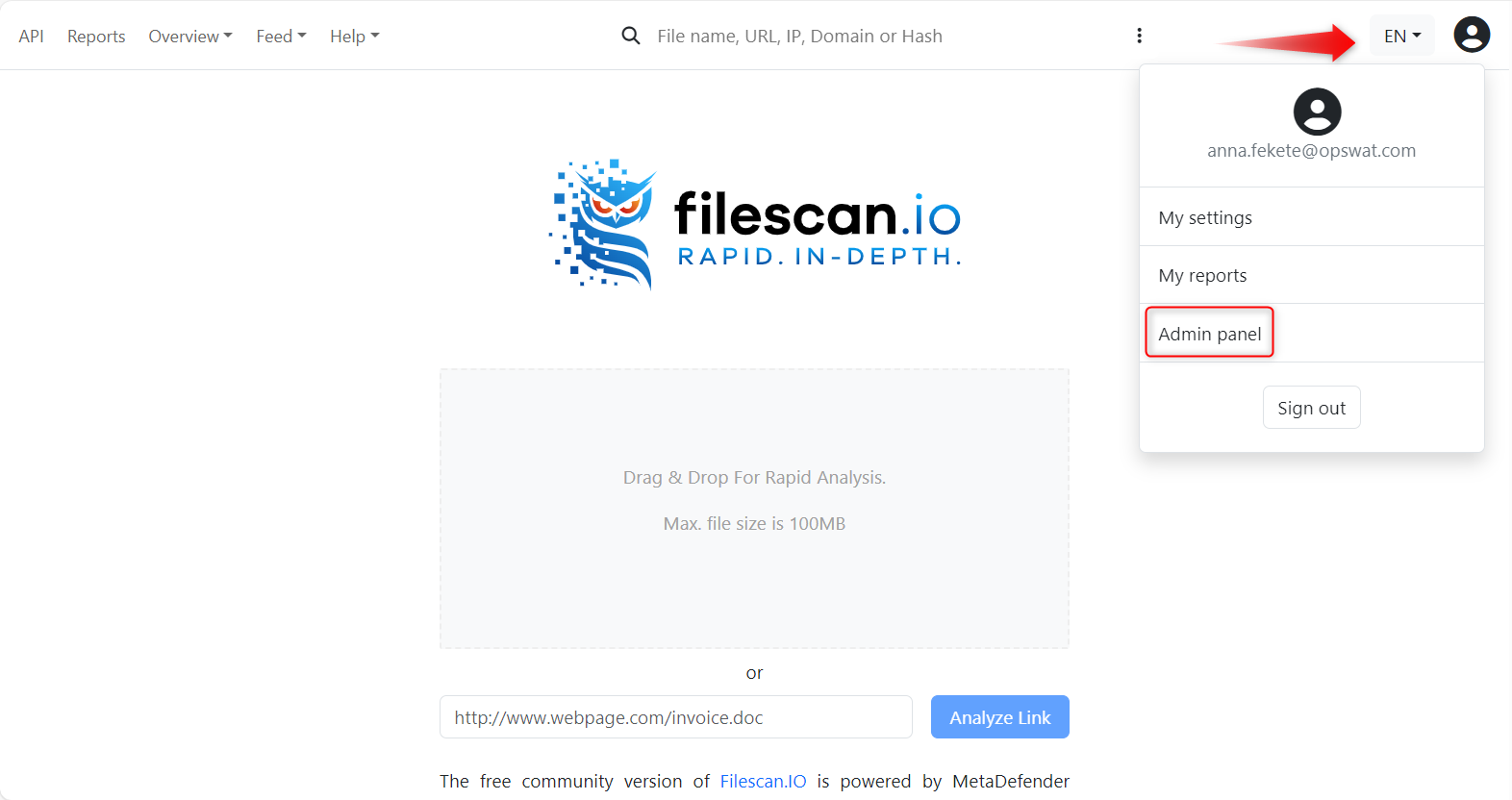
Filescan.io Homepage
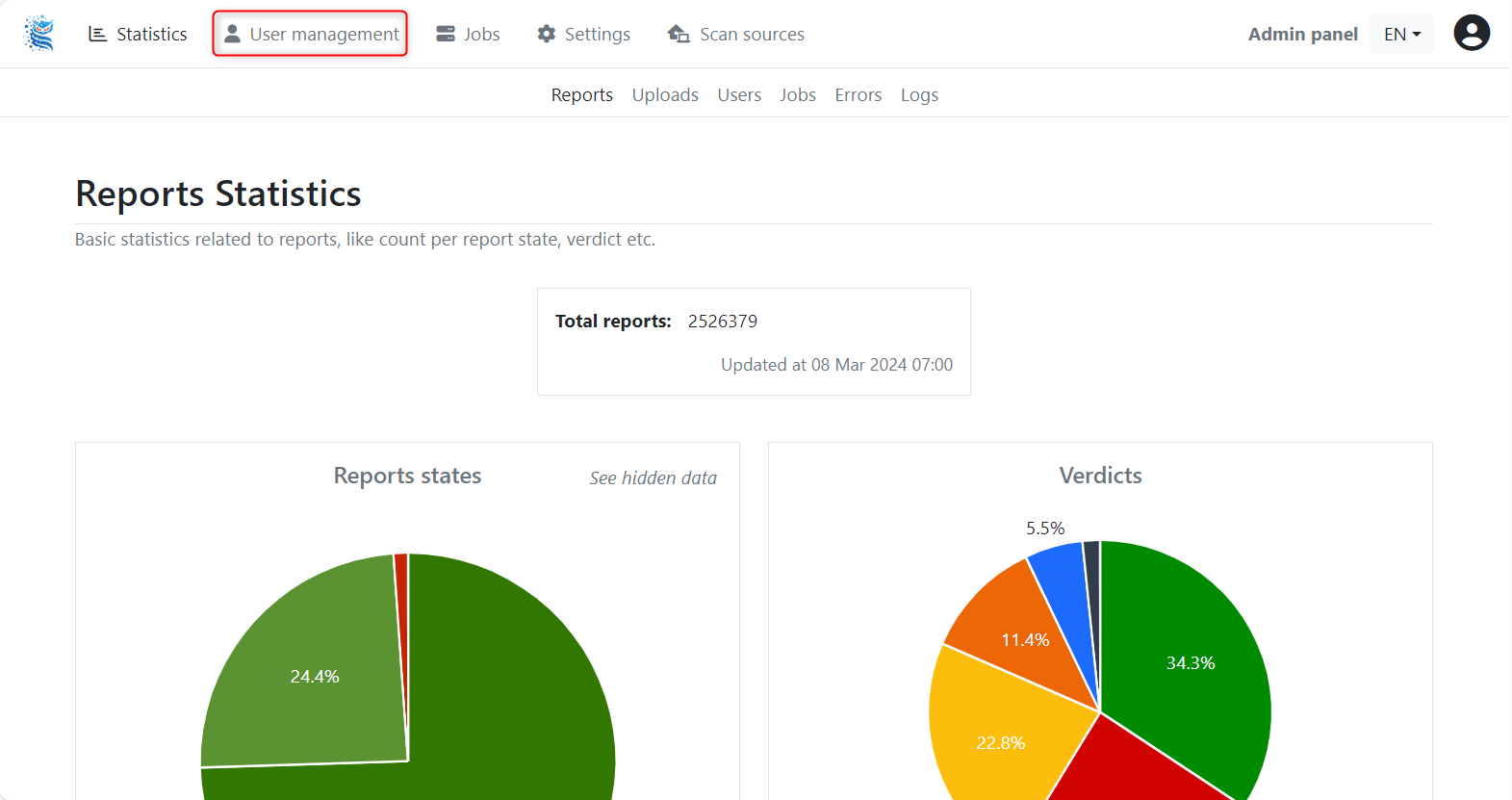
Step 2 - Select "User Management"
After you arrive to the Report Statistics Dashboard, where you can select "User Management" on the top left area of the menu bar.
Step 3 - Click on "Invite user"
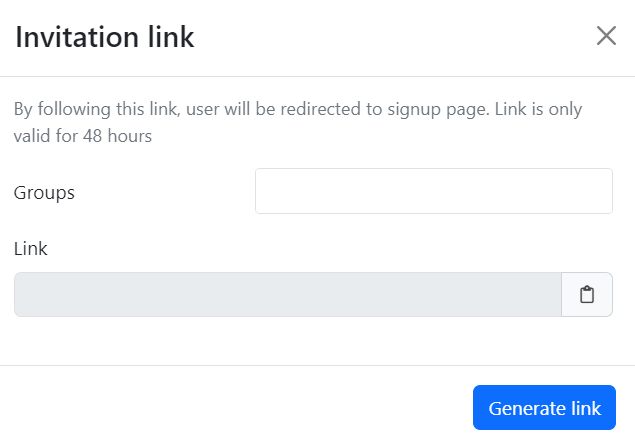
By selecting "Invite user", you will get a pop-up window.
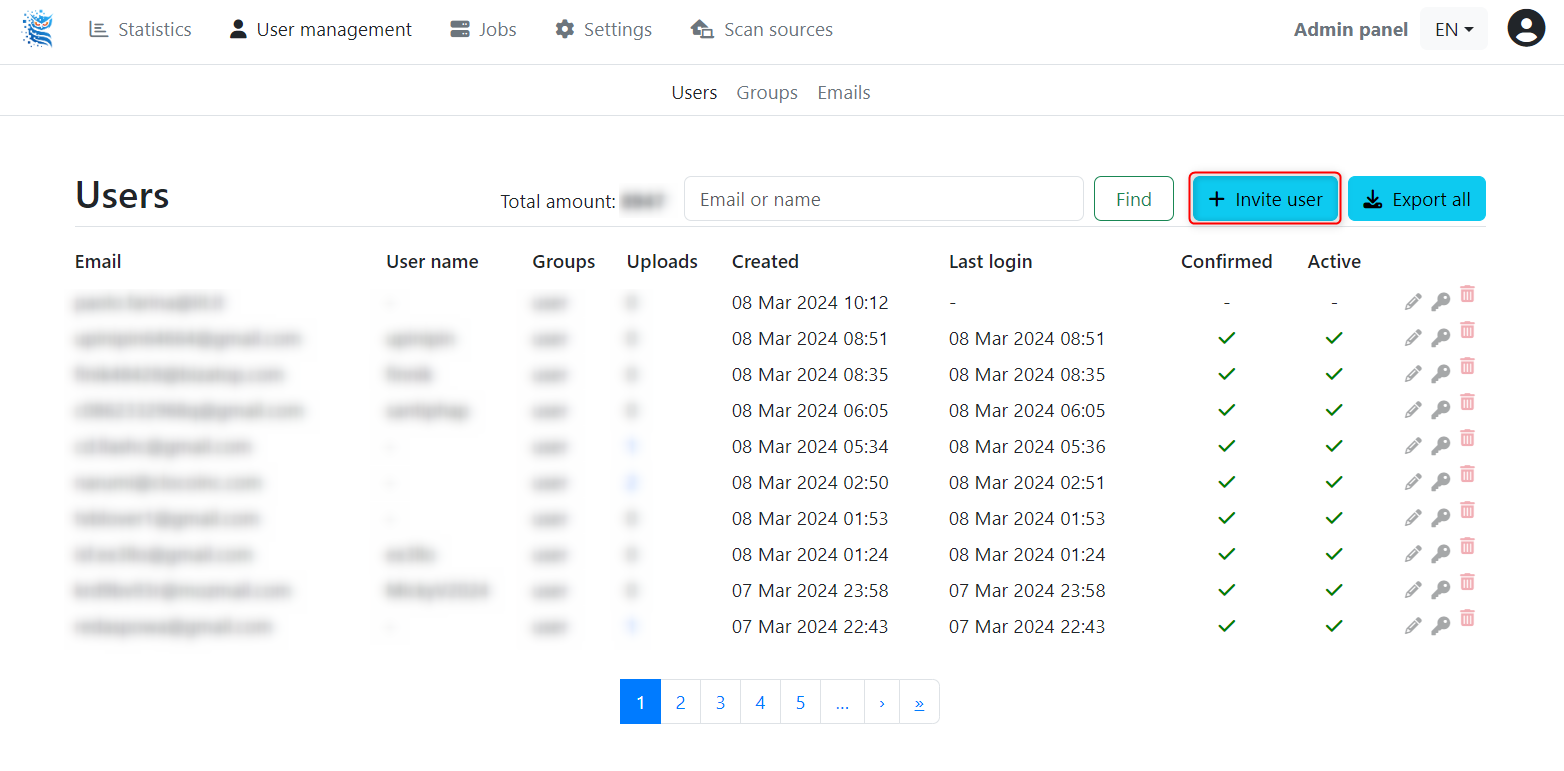
User management dashboard

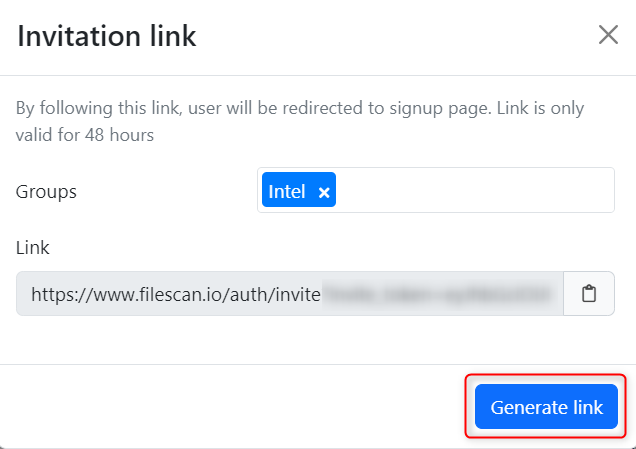
Invitation link pop-up
Step 4 - Generate invitation link
You may choose between the following user group type to generate link for the designated Filescan.io user
- Admin
- Auditor
- Intel
- User
- Guest

xx
Type to search, ESC to discard
Last updated on
Was this page helpful?
Next to read:
Remove user accountSee the "Technical Datasheet" for a complete list of features: https://docs.opswat.com/filescan/datasheet/technical-datasheet
Discard Changes
Do you want to discard your current changes and overwrite with the template?
Archive Synced Block
Message
Create new Template
What is this template's title?
Delete Template
Message