
The Update Downloader configuration is separated into two parts. The basic server configurations are stored in the configuration files. Other configuration values can be set via the Web Management Console.
Management Console
The management console is available at: http://<Metadefender Update Downloader Server>:8028/ where <Metadefender Update Downloader Server> is the name or IP address of the system where Update Downloader is installed.
After installing the product the default password for the admin user is admin.
Every change made in the Update Downloader configuration via the Management console is applied when you select Save settings or OK, except if the change cannot be applied.
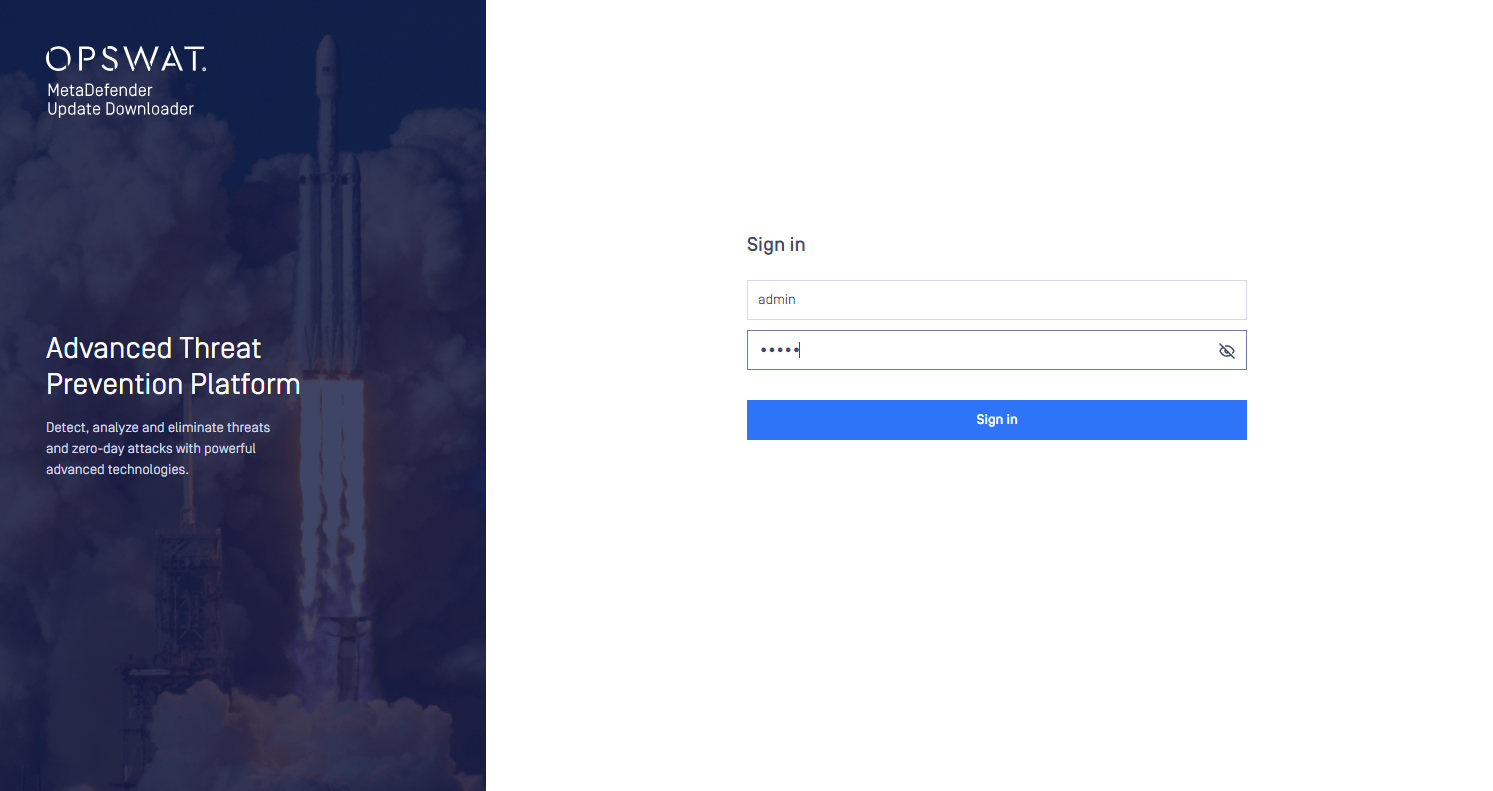
Login screen
Typical issues related to the Web Management Console:
Was this page helpful?
Configuration