
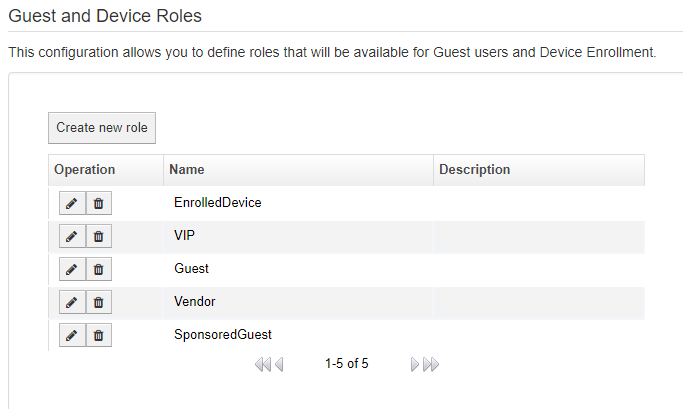
To configure a new end guest or device enrollment role, navigate to "Configuration Manager > Self-Enrollment Portals > Guest and Device Roles" and then click on the 'Create New Role' button.
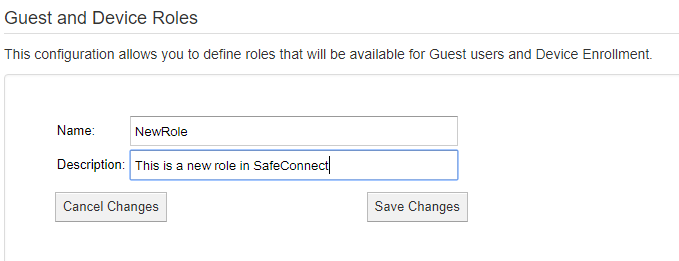
Enter the name and description of your new role and click 'Save Changes'. The 'Name' field is what will be used throughout the system.
Was this page helpful?
Configuration