
This article applies to all MetaDefender Endpoint releases deployed on Windows, Linux and macOS systems.
While there is generally no need to manually restart the MetaDefender Endpoint services, OPSWAT Support may instruct you to do so in certain circumstances.
To do so, follow the relevant instructions below.
Windows (32-bit or 64-bit)
Open your Services manager.
Scroll down to OPSWAT GEARS Client.
Right-click on it, then select the Restart option.
macOS
Open a Terminal.
Type: sudolaunchctl load -w /Library/LaunchDaemons/com.opswat.GearsCLI.plist
Hit Enter, then provide your password as prompted.
Next, type: sudo launchctl load -w /Library/LaunchDaemons/com.opswat.GearsCLI.plist
Hit Enter, then provide your password again.
Linux
Open a Terminal.
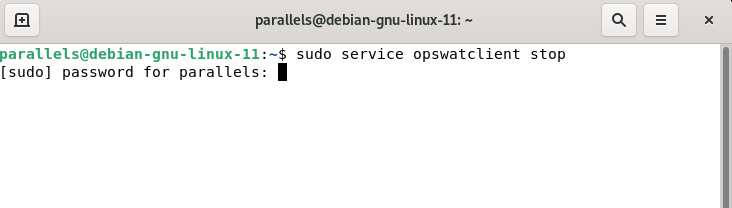
Type: sudo service opswatclient stop
Hit Enter, then provide your password as prompted.
Next, type: sudo service opswatclient start
Hit Enter, then provide your password again.
If you encounter any issues while attempting to Restart The MetaDefender Endpoint Service, please open a Support Case with the OPSWAT team via phone, online chat or form, or feel free to ask the community on our OPSWAT Expert Forum.