MetaDefender Access™
MetaDefender Access gives your organization secure network access and deep endpoint compliance. With this single platform approach, you can greatly simplify ongoing management, reducing time, effort, and most importantly, risk. MetaDefender Access is available on cloud or on-premises.

“The partnership with OPSWAT really uses the MetaDefender Access capability to deliver a connector into the PING One DaVinci orchestration tool...”

“We have a fantastic integration between MetaDefender Access and the Horizon product.“
Visibility and Compliance
Security teams face challenges with increasing work from home scenarios, and they lack visibility as well as control over what devices are accessing their network and if they're secure. Adding to the complexity is the myriad point products generally needed to gain this visibility and control.
Access to your environment may come from remote locations, such as work from home, third party locations, and even through sensors associated with Internet of Things (IoT). How can you ensure the access to your network and your organization’s applications are secure? How can you confirm every device in your organization complies with security policies before accessing applications or your network?
Zero-Trust Access
Deep Endpoint Compliance
Extends well beyond standard compliance checks including OS level, security software, encryption, vulnerabilities, and patch management to ensure that your endpoints are secure.
Vulnerability Management Module
Enables the MetaDefender Access Platform to detect and report vulnerabilities in installed software on the device including 3rd party applications and critical OS security patches.
Patch Management
Provides a single development interface to assess thousands of endpoint applications such as Adobe Acrobat, Mozilla Firefox and Zoom Client for vulnerabilities and to auto-patch them.
MetaDefender OT Access
Improve security and convenience simultaneously by allowing just-in-time access provisioning for remote vendors, or for internal employees, with traffic passed over outbound-only, mutually authenticated TLS tunnels.
MetaDefender IT Access
Ensures that access from the device to your cloud and legacy applications is secure, whether connecting from the office, home or other remote locations.
Omnissa VDI Integration
OPSWAT MetaDefender Access quickly and easily integrates into Omnissa Horizon Virtual Desktop Infrastructure (VDI), allowing only compliant client devices to connect to corporate resources.
Single Platform & Flexibility
One Management View
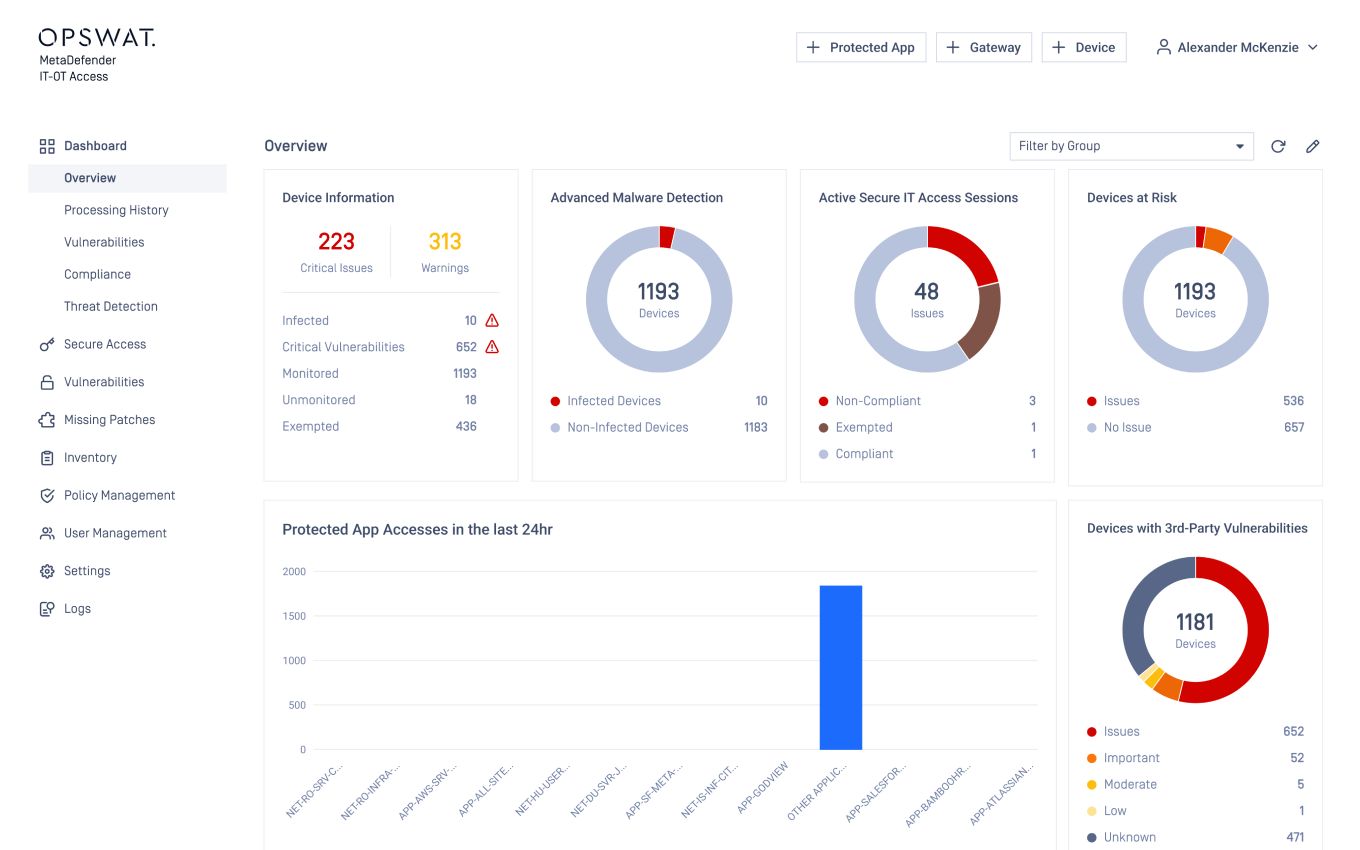
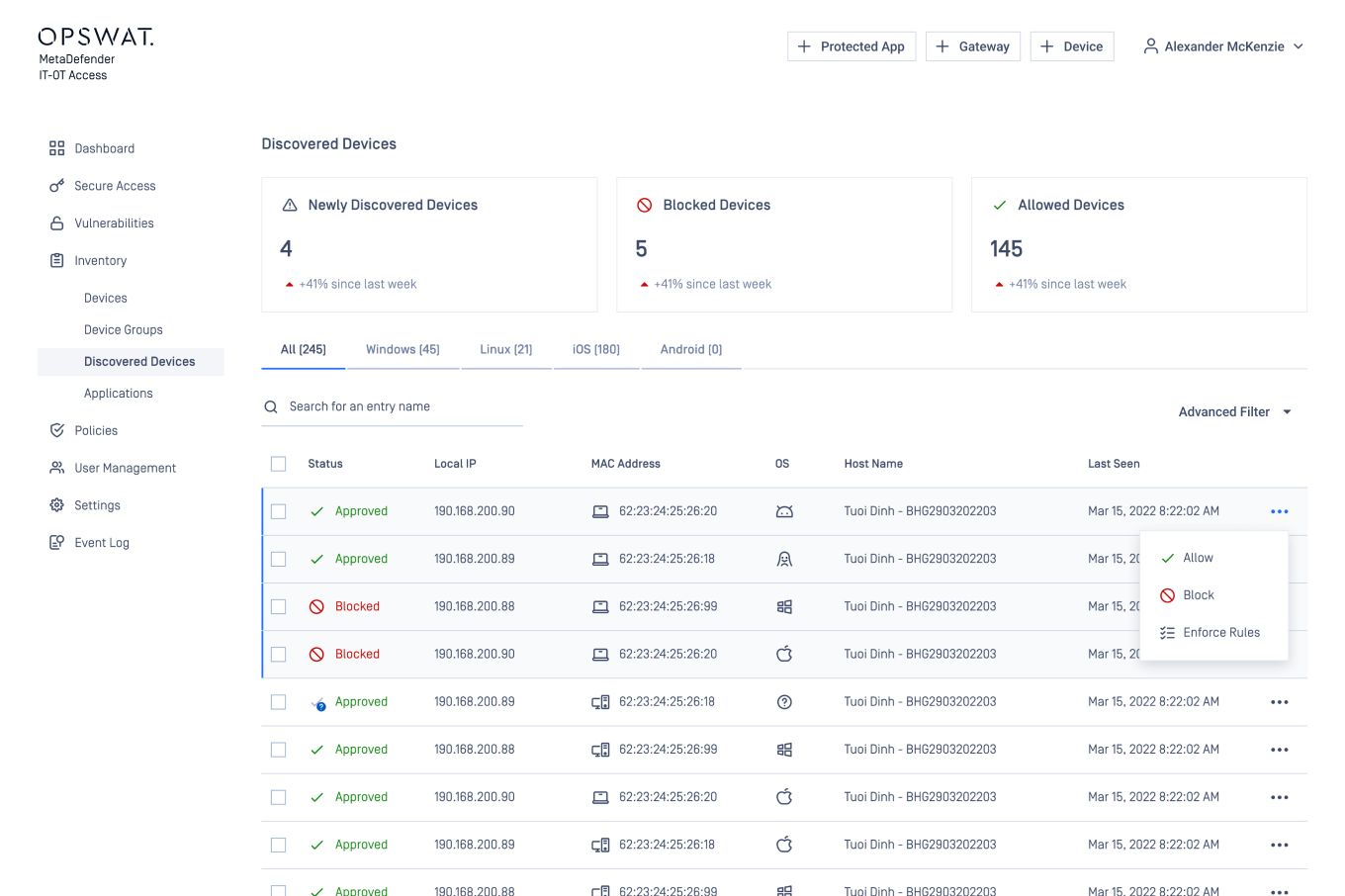
MetaDefender Access dashboard management provides the visibility and management tools needed from one interface. Organizations can see in total how many devices have accessed the network, whether the access method is with secure access or classic SAML/IdP integration. You also know how many devices are compliant and drill down to specific devices to understand the issue. If executive access is needed right away, select the device and allow access.
Uninterrupted Productivity
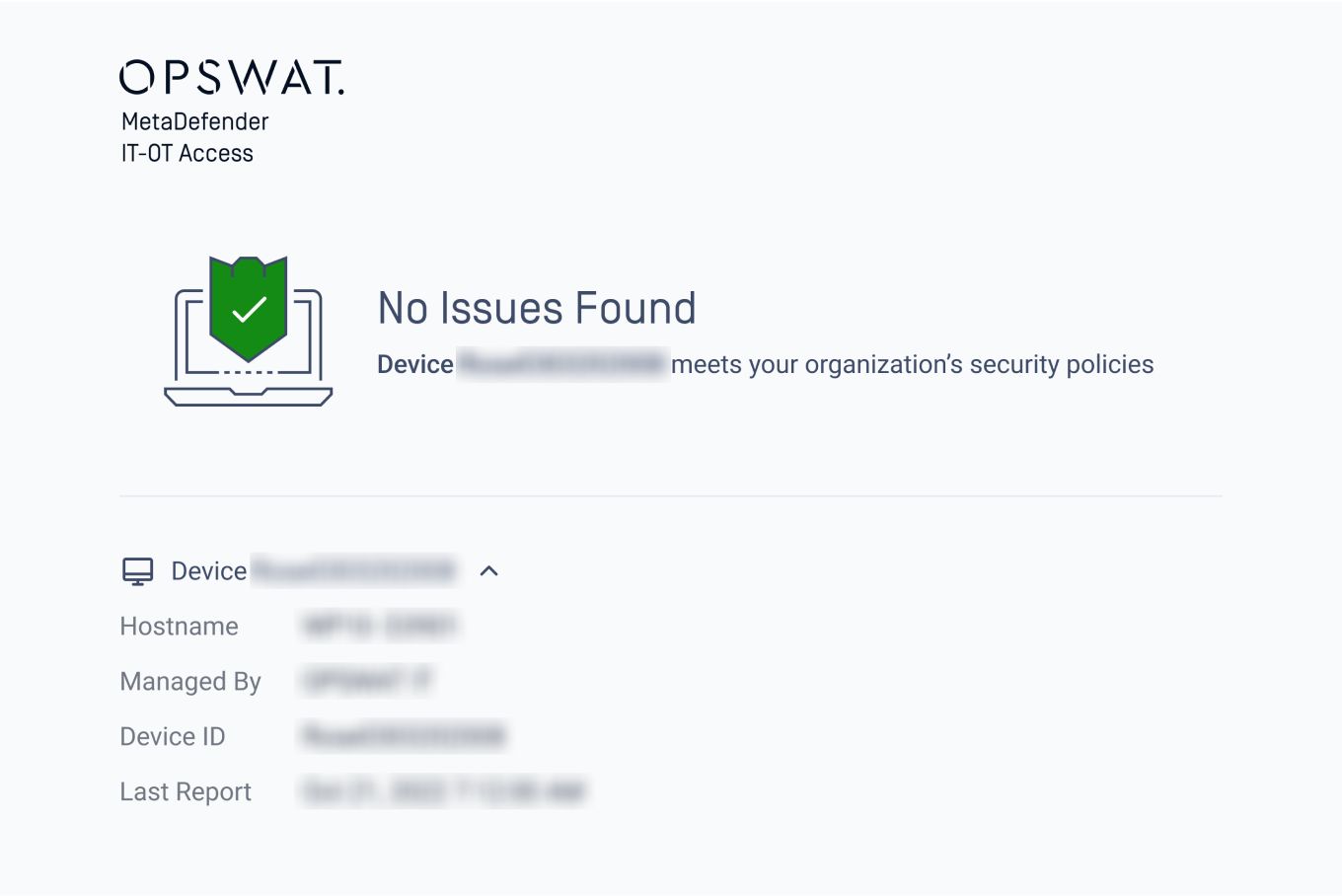
It is extremely easy for a user to self-remediate while, at the same time, educating the end-user on the importance of the non-compliant issue. A customizable page will be displayed sharing WHAT the issue is, WHY it’s important, and HOW to resolve in a step-by-step manner. With secure access for IT, an end user will log into their application with SSO the way they always have, whether remote or on-prem, making it easy and comfortable to use.

Easy Management as a Cloud Service or On-premises
MetaDefender Access configuration options give flexibility to ascertain which issues should require blocked access versus notification, and to set personalized thresholds. With each function in our advanced endpoint compliance module, the configuration can be setup to match your organization’s policies.
MetaDefender Access is available with easy registration and deployable in a matter of hours or days, as a cloud service or deployed on your premises.
Recommended Resources
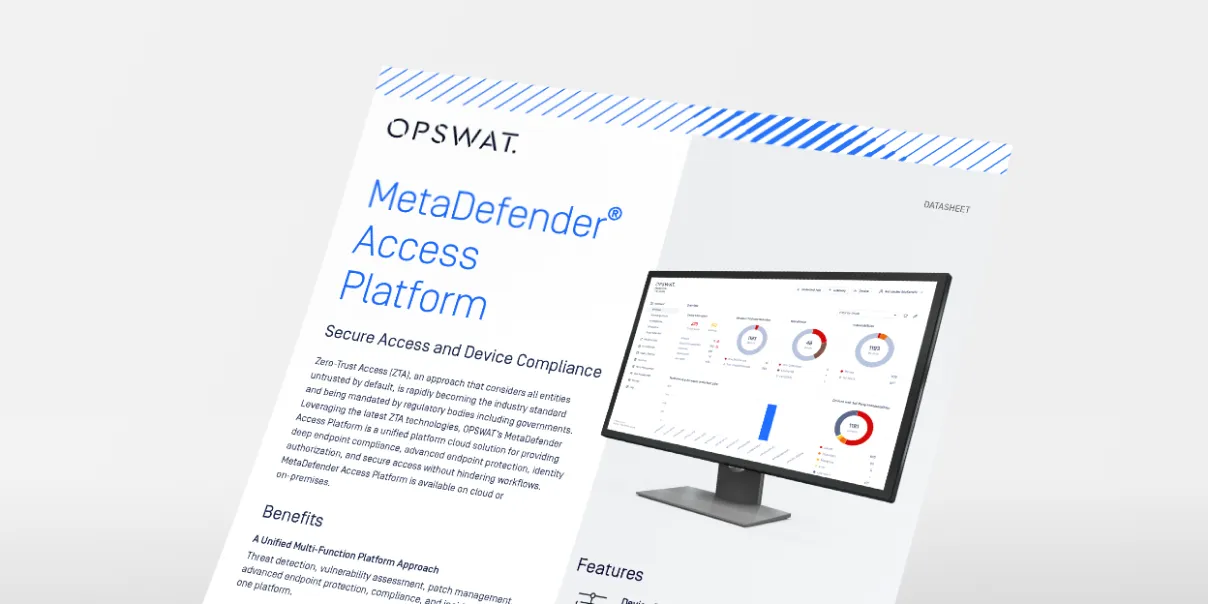
MetaDefender Access Datasheet

MetaDefender Access Documentation

